>w< Guides & Tutorials
Blog & Knowledge Base
Explore 17 ready-to-use preset layouts and step-by-step practical guides. From setup to everyday efficiency, synthesizers, and dynamic themes.
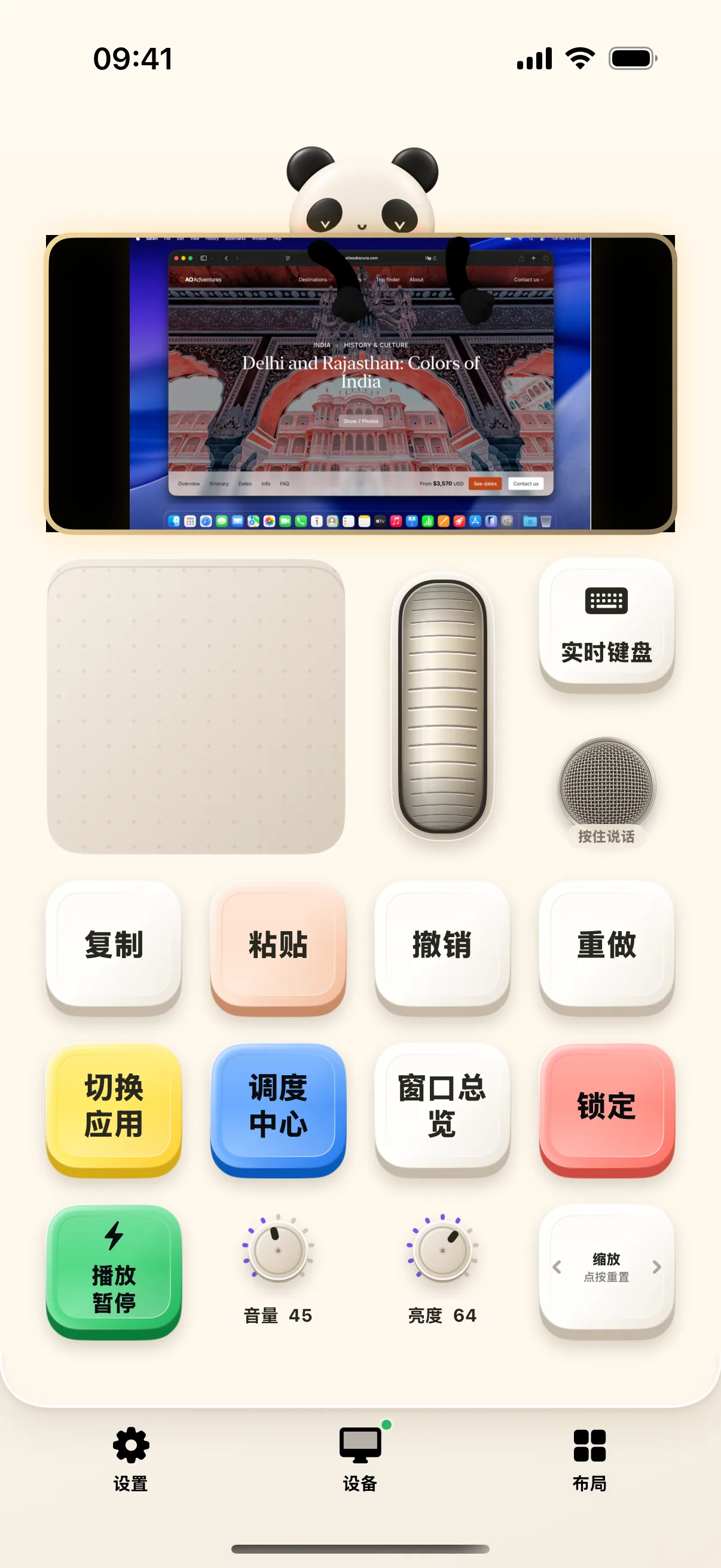
Work Deck Starter: Turn iPhone into Mac's Capable Companion
Master the Work layout: trackpad navigation, smooth typing, undo, redo, and one-tap clipboard actions to supercharge your daily desktop routine.
Read Article →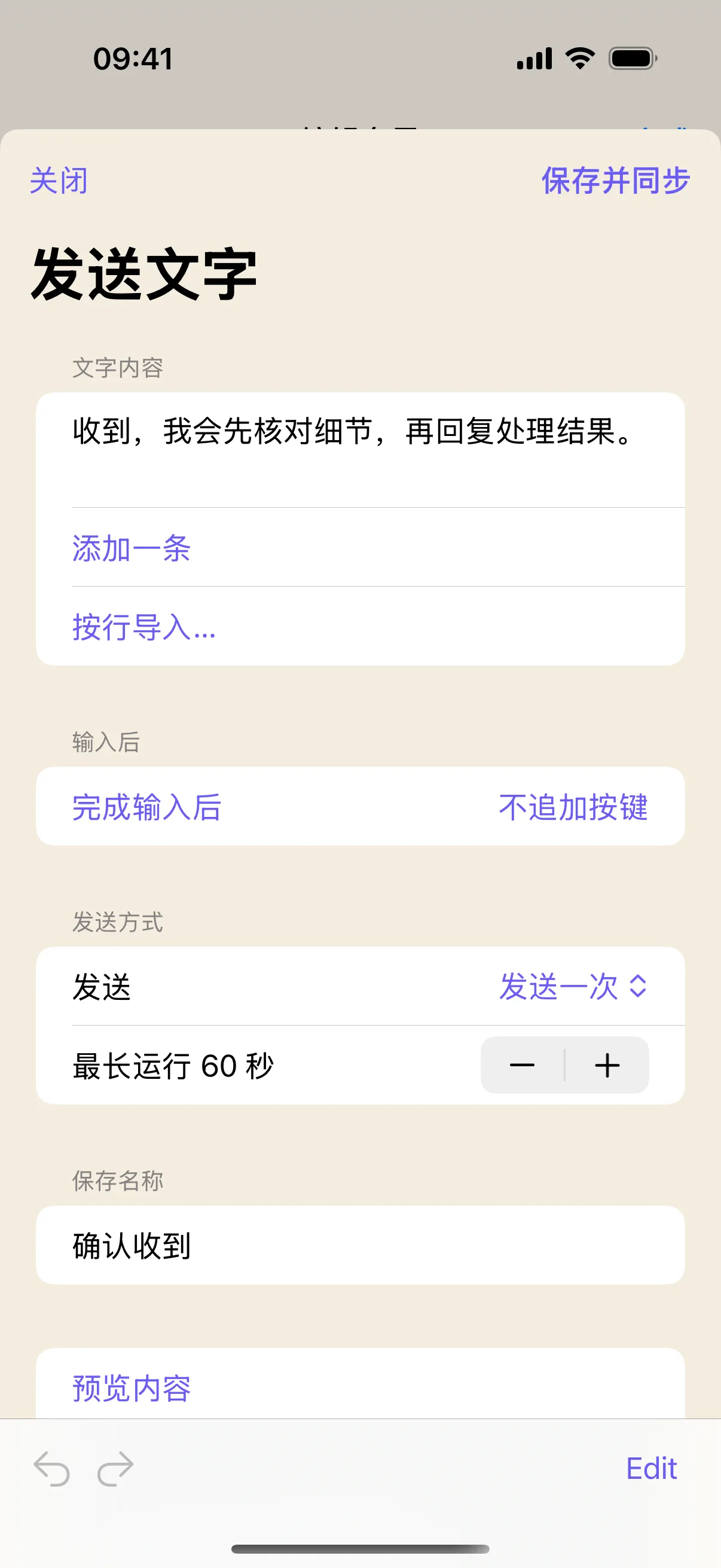
Turn Frequent Phrases into Physical Buttons: One-Tap Injection to Mac
Configure frequently used text buttons, template phrases, customer support replies, and code snippets for instant insertion into Mac.

Streamline Your Workflow: Building a 'Log & Auto-Save' Multi-Step Macro
Chain text injection, collision-preventing delays, and ⌘S shortcuts into automated macros with live testing and on-screen preview.
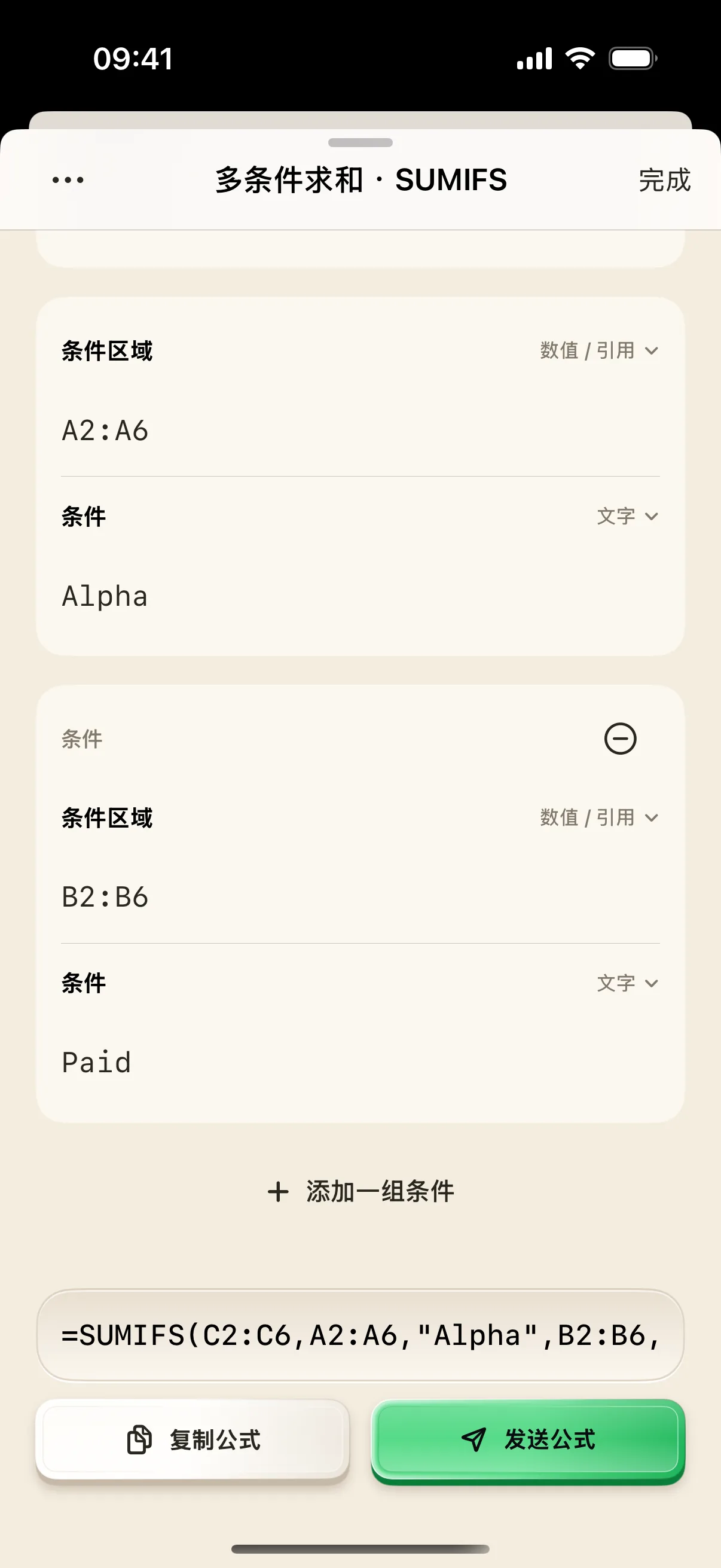
Never Forget Formula Syntax: Visual SUMIFS Builder on Mobile
Long-press SUMIFS on NinoPad to open a visual parameter builder. Fill multi-condition criteria and inject standard Excel/Numbers formulas effortlessly.
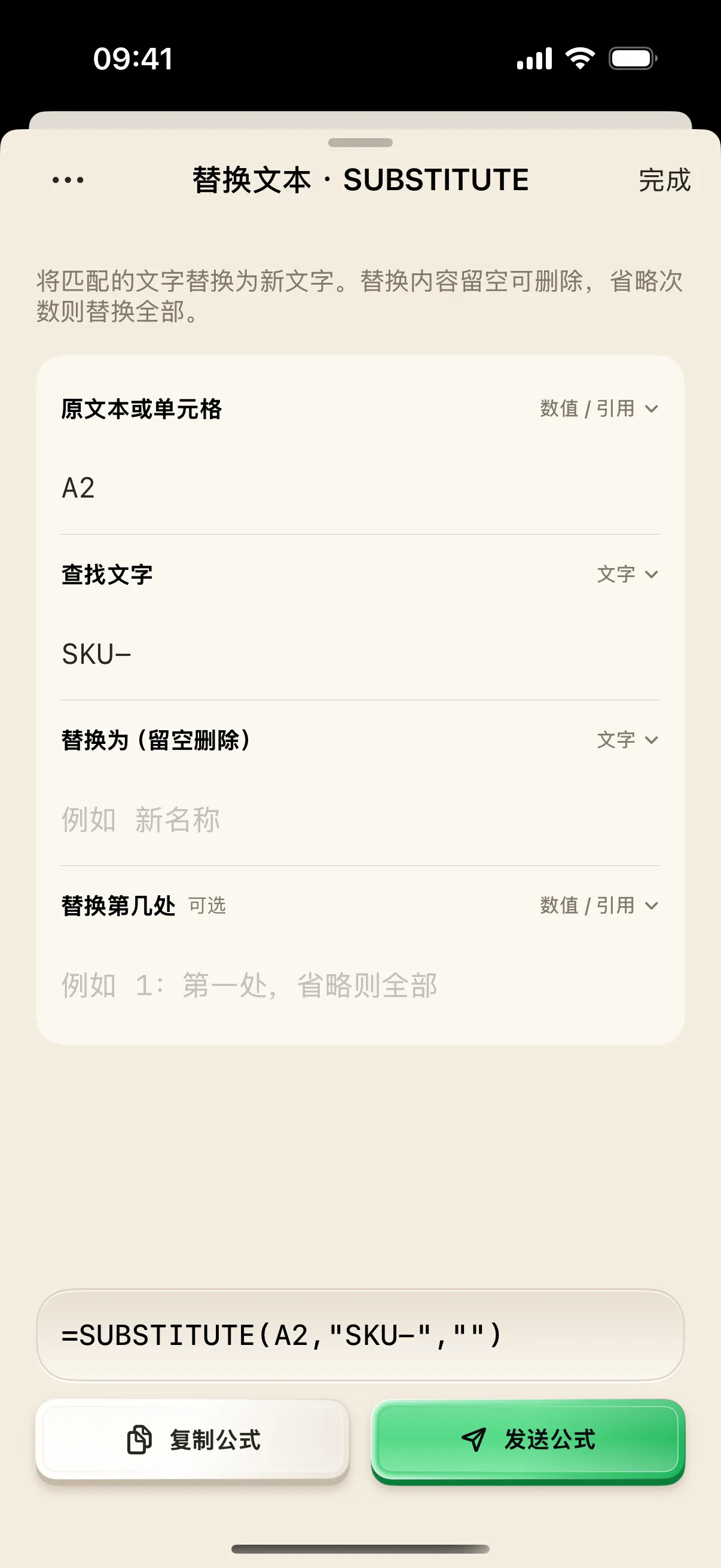
Clean Messy Data: Simplify Spreadsheet Text with SUBSTITUTE & TRIM
Visually build text replacement and whitespace cleanup formulas on mobile. Handle prefix removal, trailing spaces, and data hygiene safely.
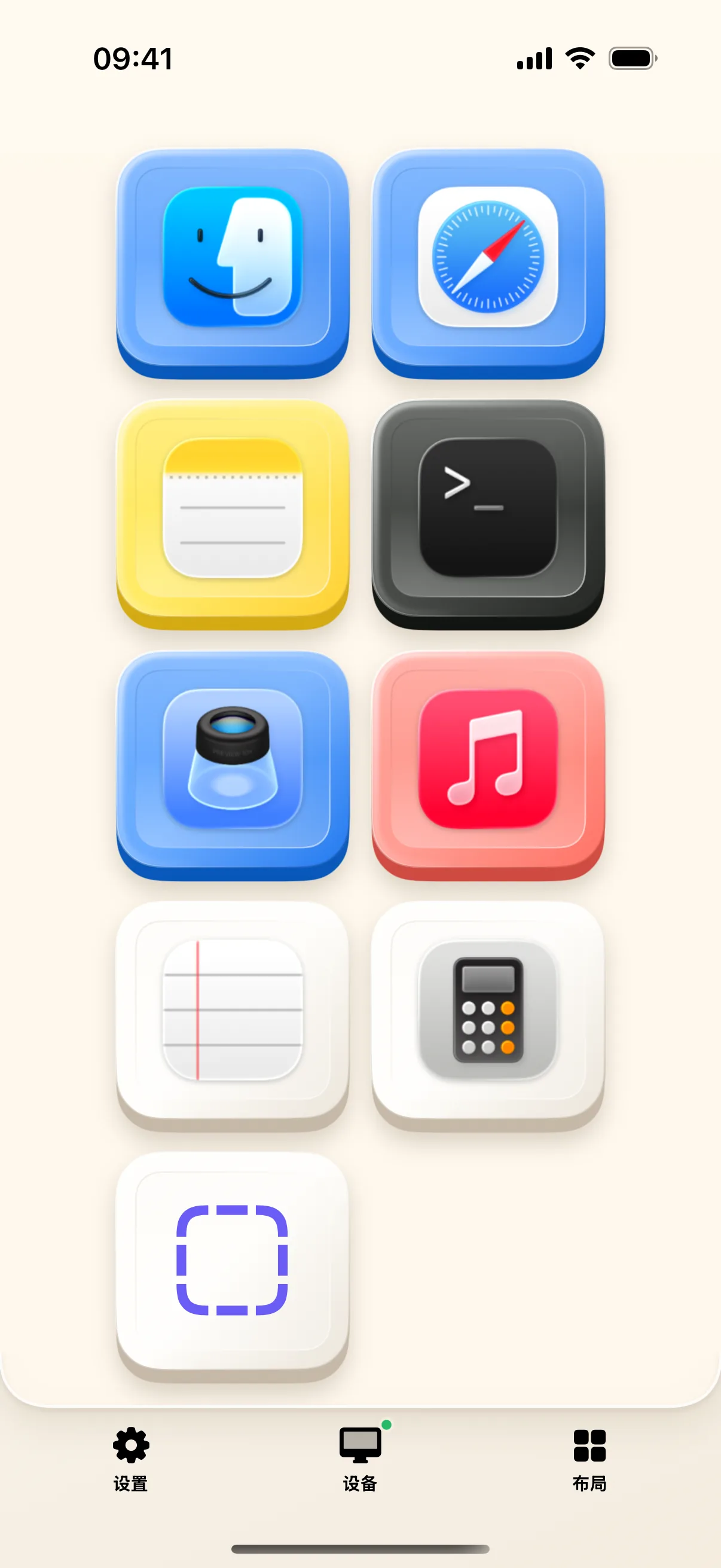
Mac App Launcher in Your Palm: Custom Touch Dock & Fast Switcher
Automatically sync installed Mac applications with bold touch icons. Long-press to edit, rearrange, and switch apps instantly.
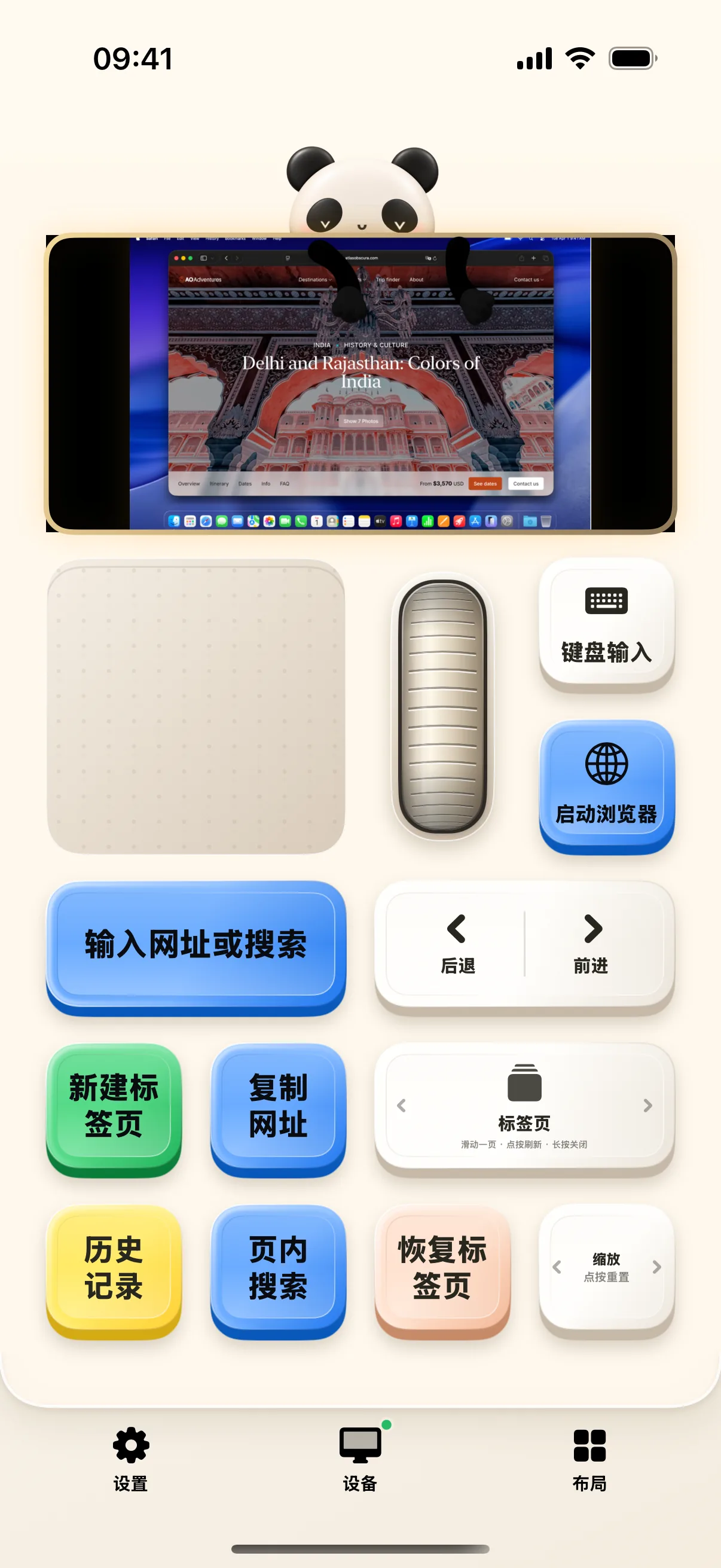
Web Surfing Deck: Direct URL Input, Tab Slider & In-Page Search
Navigate to URLs with one tap, slide between tabs with continuous rotary controls, and trigger in-page search in Safari and Chrome.
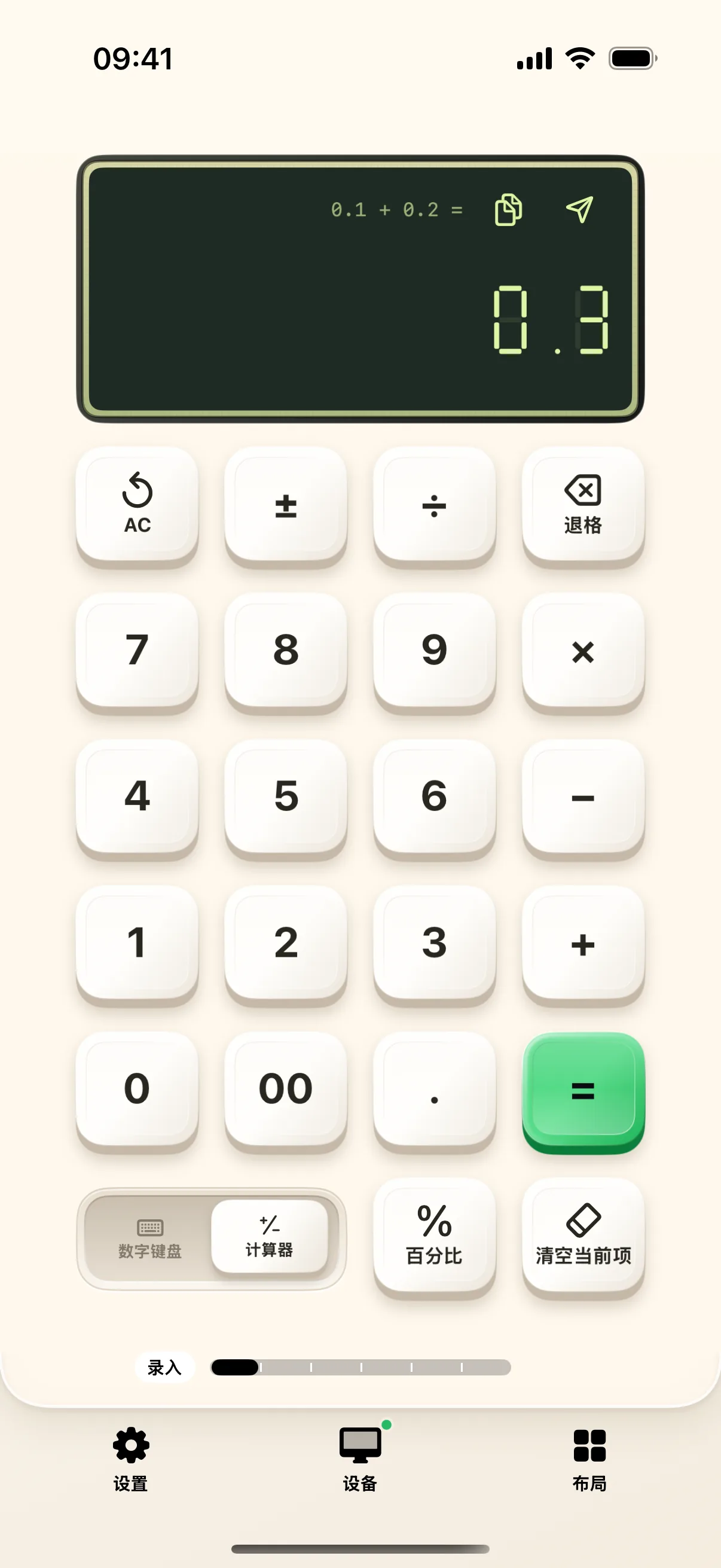
Finance & Spreadsheets: Fast Calculation & Visual Formula Building
On-device calculator, numeric keypad, and 64 formula helpers. Visually build SUMIFS, COUNTIFS, and VLOOKUP expressions.
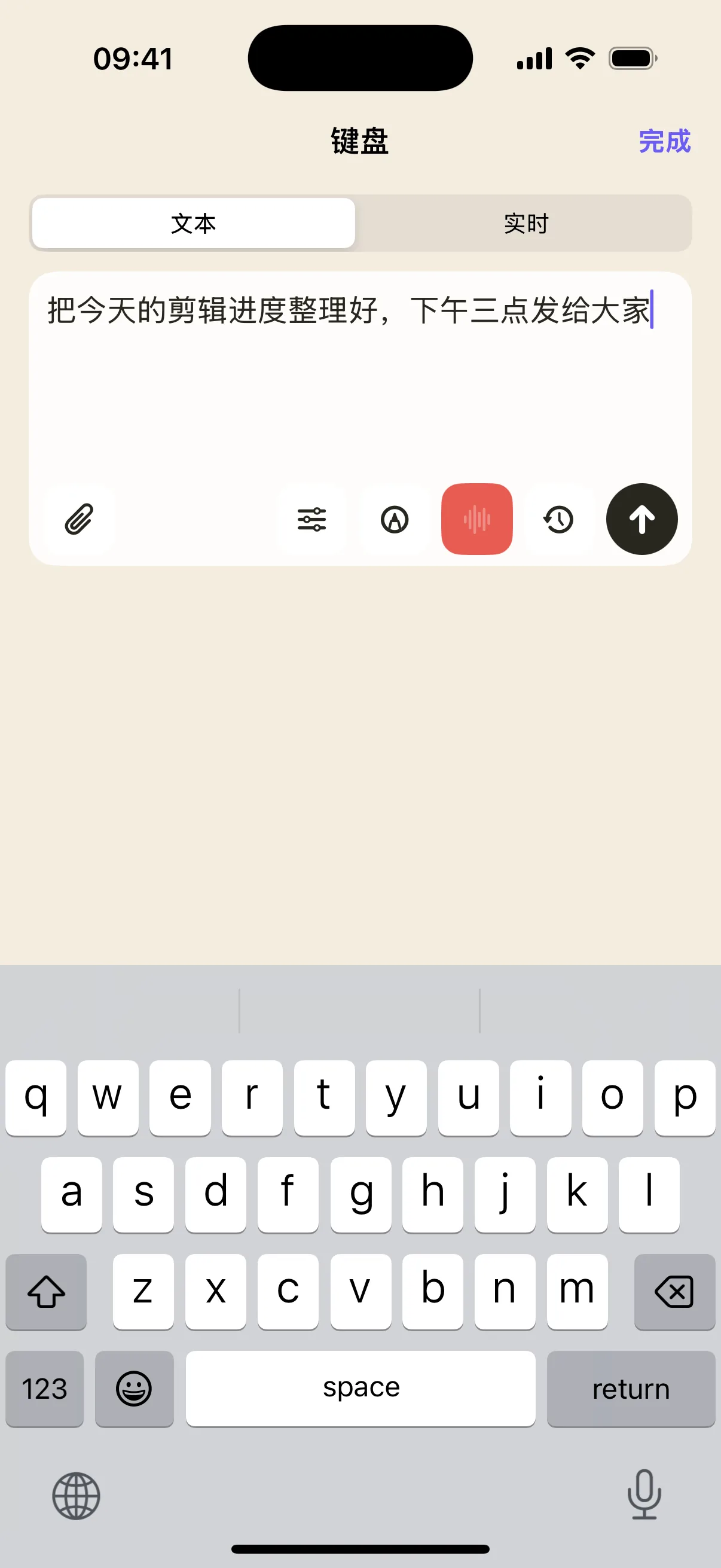
Speak on Mobile First, Then Inject Text to Mac
Switch to Text Mode, dictate on mobile, polish typos, then tap Send to inject text cleanly into Mac without interrupting active focus.
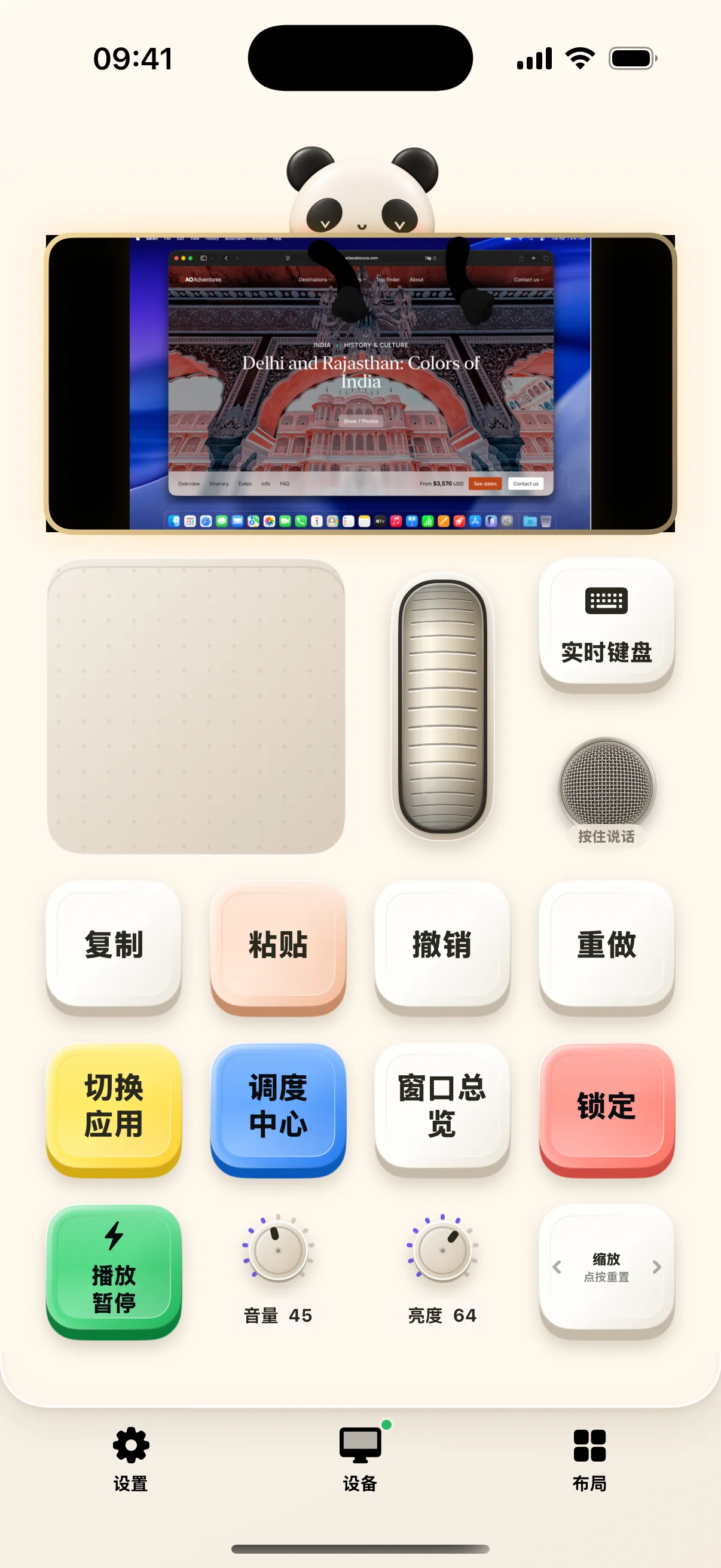
View and Control Mac Desktop on Mobile
After local network pairing, move Mac cursor, view live screen stream, and switch between pre-edited draft text or real-time terminal keys.
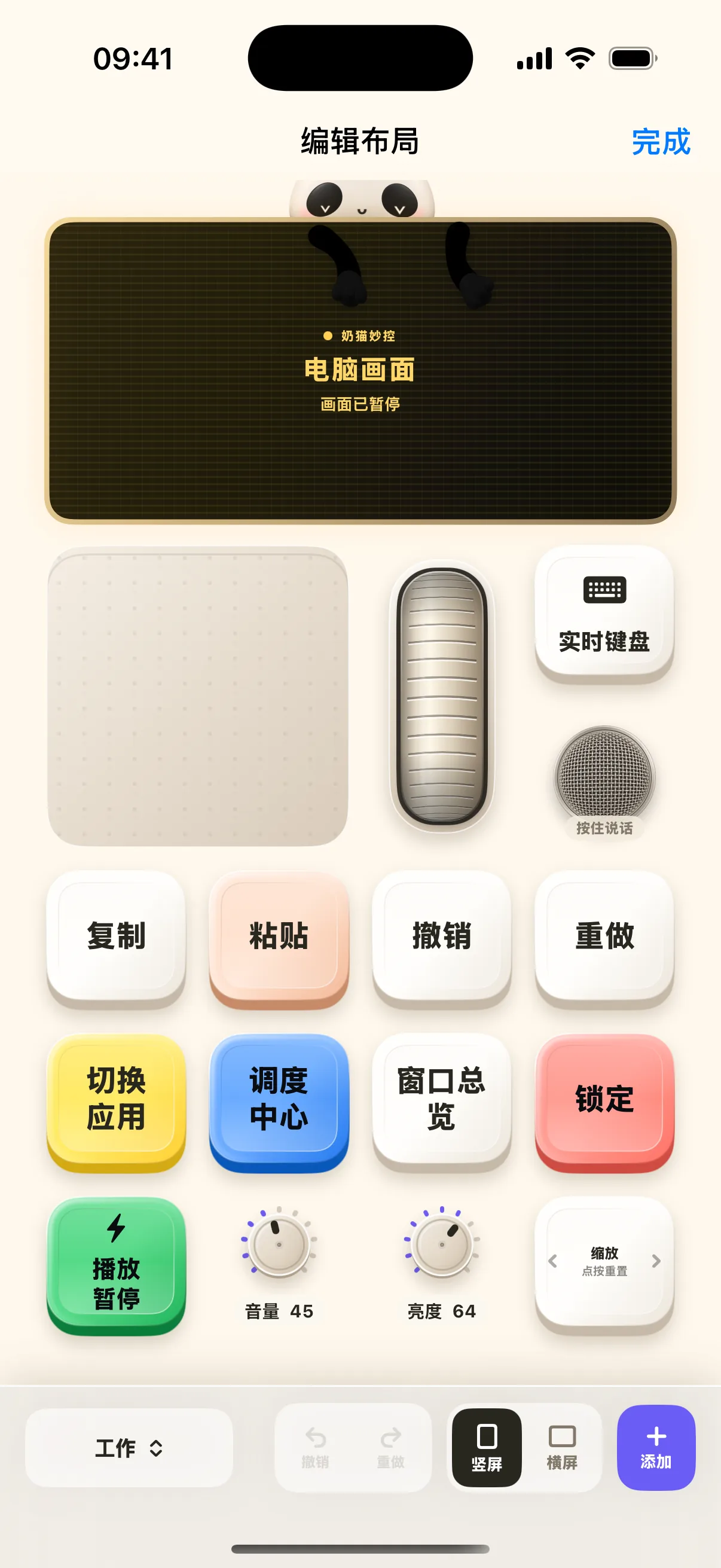
Start from One Button: Customizing Your Mac Deck
Add custom hotkey buttons, macro flows, knobs, and background wallpapers to build your personalized control center.
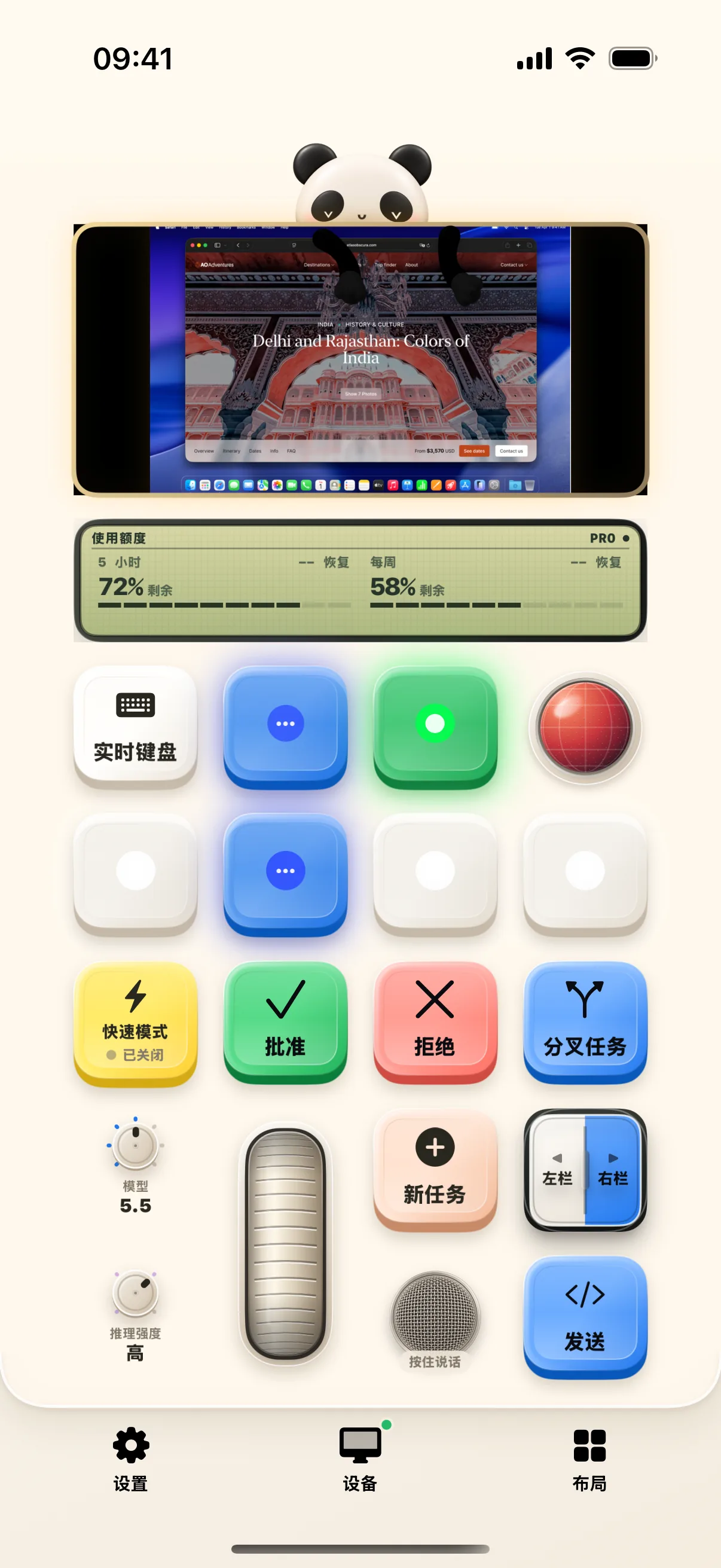
Multi-Agent Orchestration: Switch AI Tasks with Codex Layout
Inspect task slot states, single-click to preview, double-click to bring frontmost, and adjust model reasoning effort with tactile rotary dials.
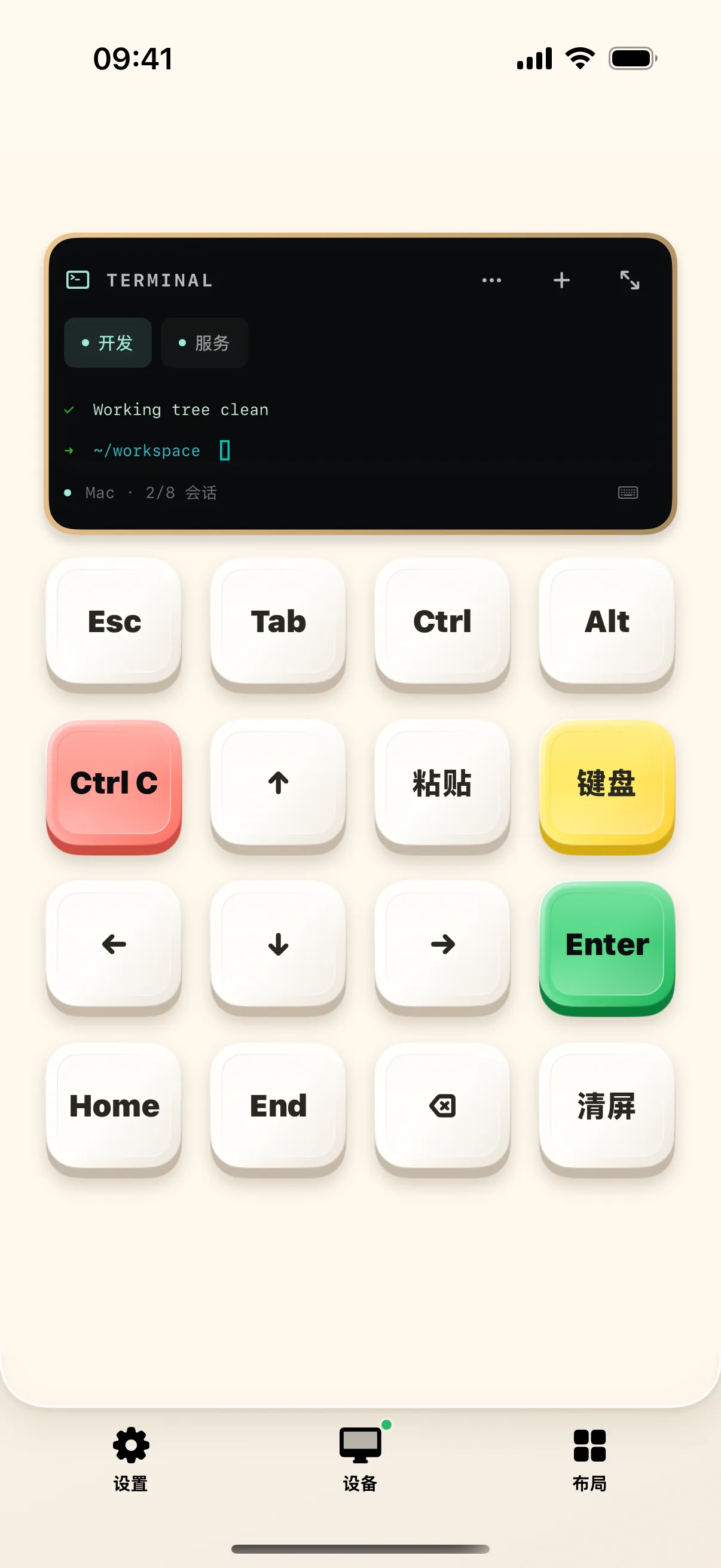
Terminal Monitor on the Go: Manage Mac Shell Sessions
Create, switch, and monitor Mac terminal sessions with dedicated status displays, full-screen keyboard, and essential CLI shortcuts.

Effective Research Clipping: Capture Quotes, Personal Insights & Source URLs
Seamlessly capture Mac text selections or manual quotes, attach personal reflections, preserve source URLs, and build an organized research repository.

Precise Organization & Archiving: Filter Clippings by Type & Export in One Click
Filter research clippings by idea, method, evidence, and notes. Batch export structured Markdown files with preserved source URLs.
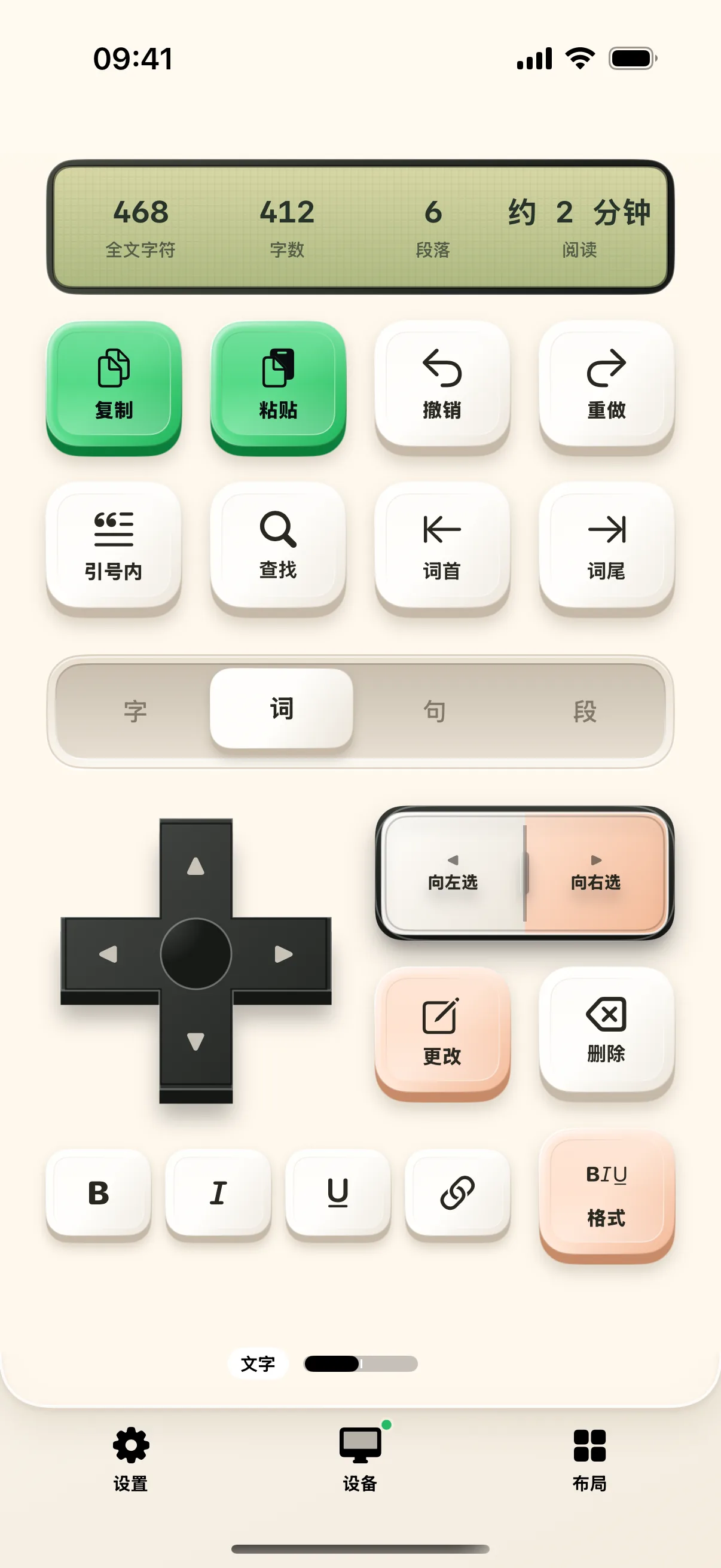
Focused Writing Deck: 4-Tier Text Navigation, Search & Markdown Tools
4-tier cursor navigation (char/word/line/para), precise text selection, in-document search, and Markdown formatting shortcuts.
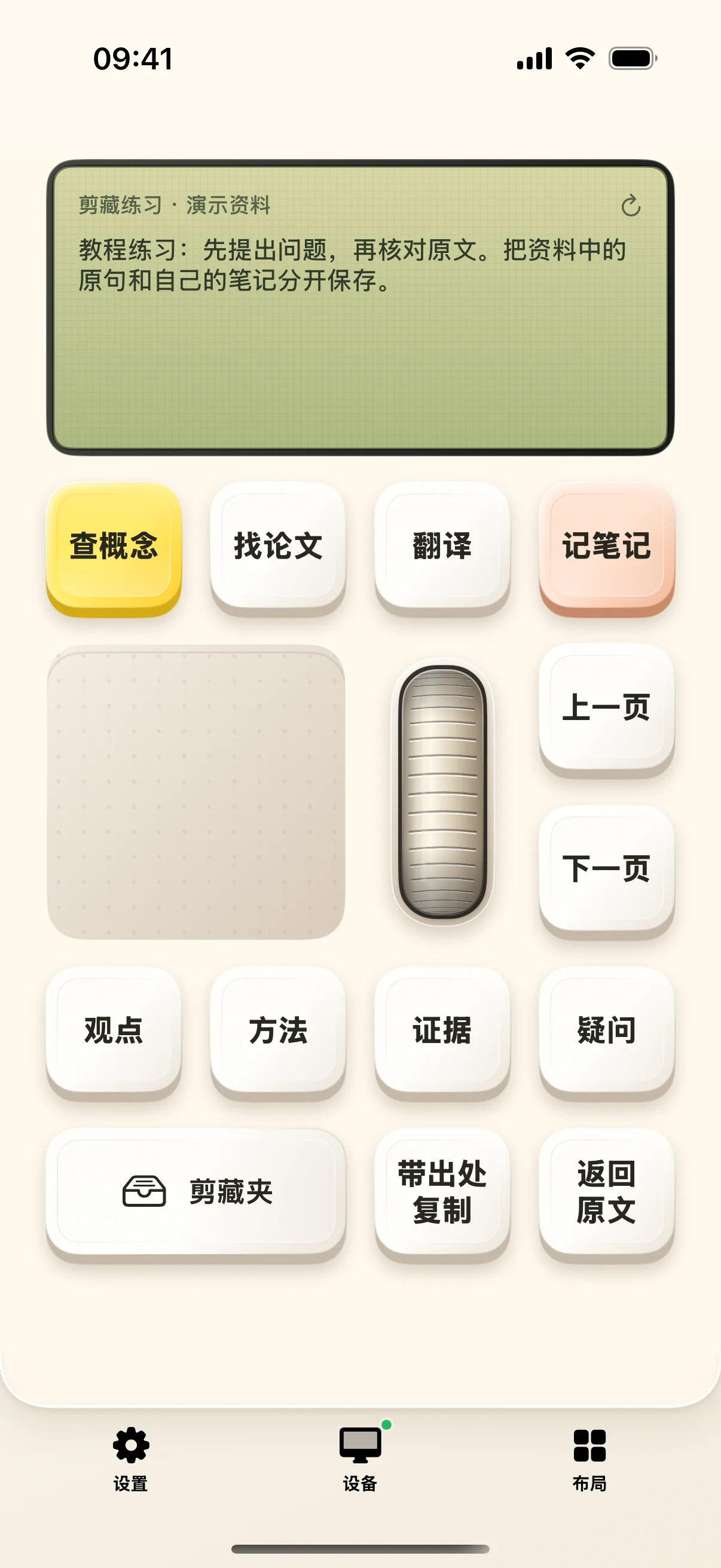
Knowledge Extraction Workflow: Capture Quotes, Thoughts & Citations
Capture quotes from Mac selection, record personal reflections, retain citations, and build an exportable research repository.
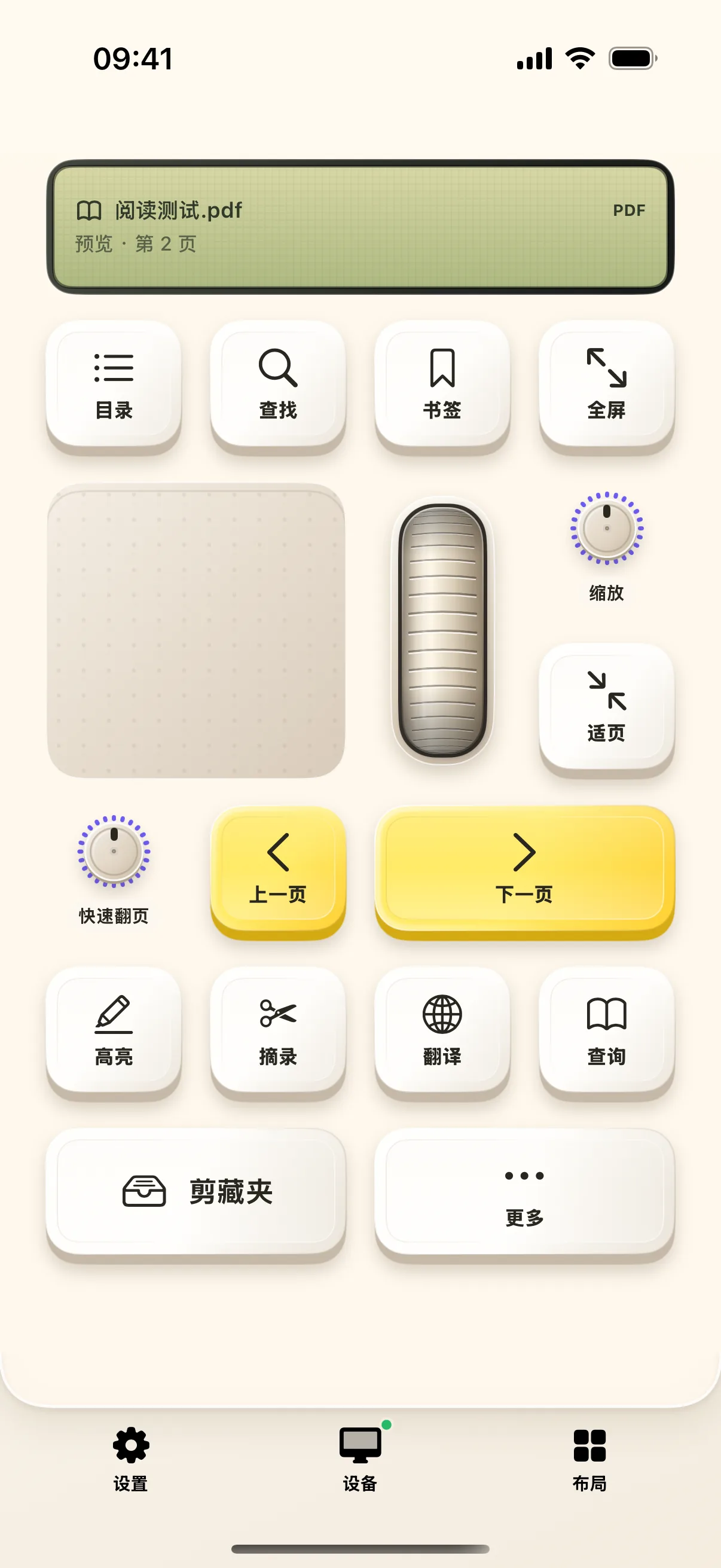
Deep Reading Assistant: PDF Navigation, Table of Contents & Page Jumps
Sync document TOC, filter chapter titles, jump to page numbers, and search text in PDF documents with rotary dials.
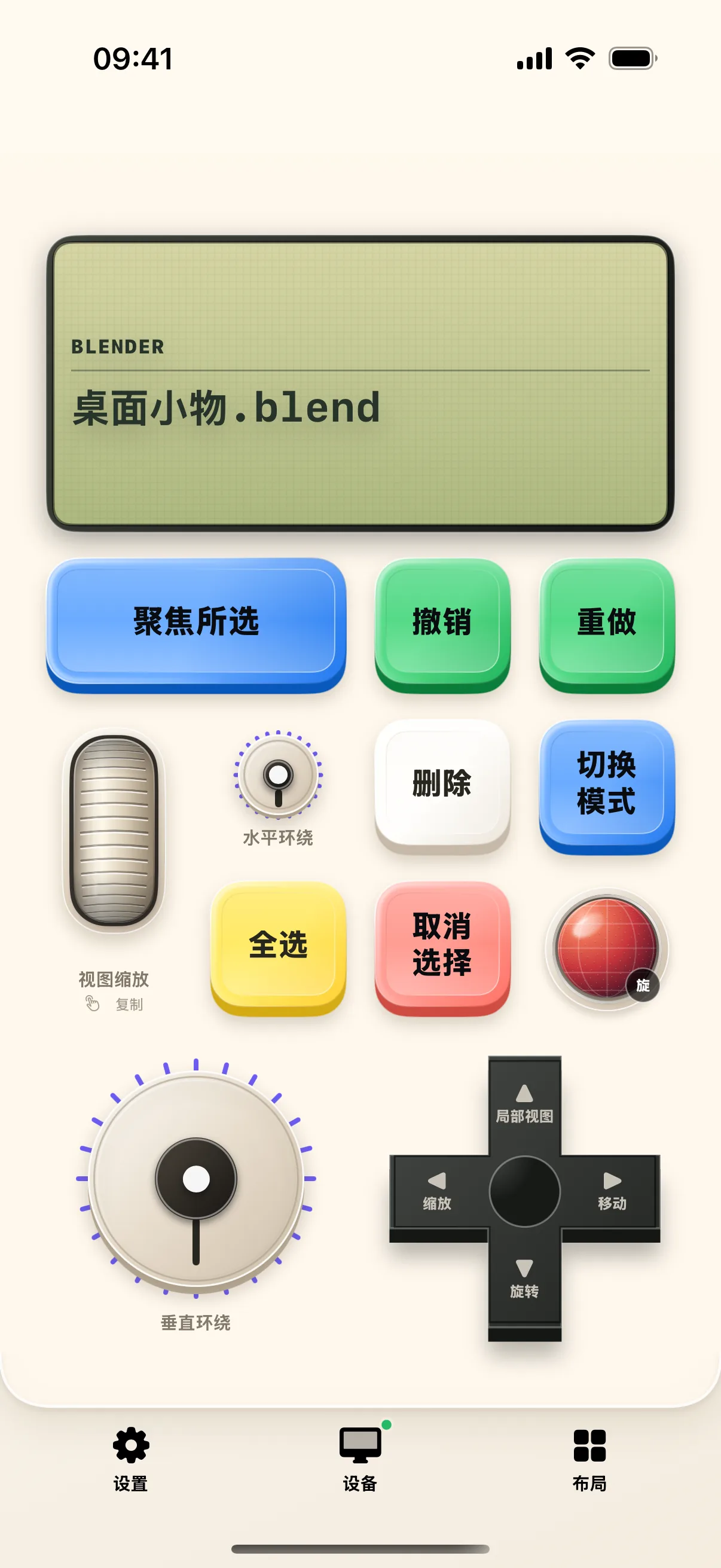
3D Modeling Palm Companion: Blender Viewport Navigation & Shortcuts
Automatically adapt buttons to Blender, DaVinci Resolve, and Final Cut Pro. Orbit viewports, select meshes, and sculpt in landscape mode.
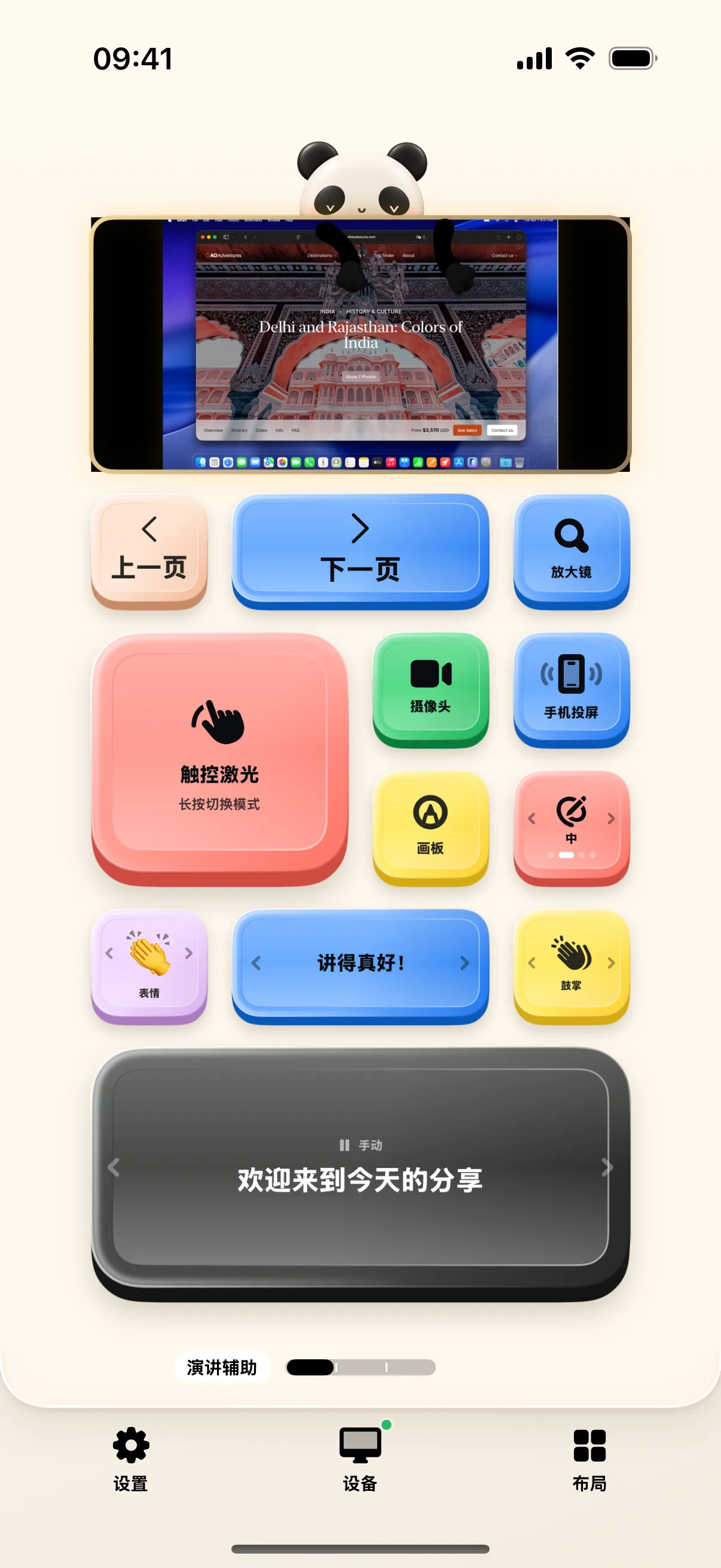
Presentation Master: Wireless Slide Remote, PiP Overlay & Split Timer
Wireless slide remote, camera Picture-in-Picture overlay, mobile screen mirroring, and split section rehearsal timers.
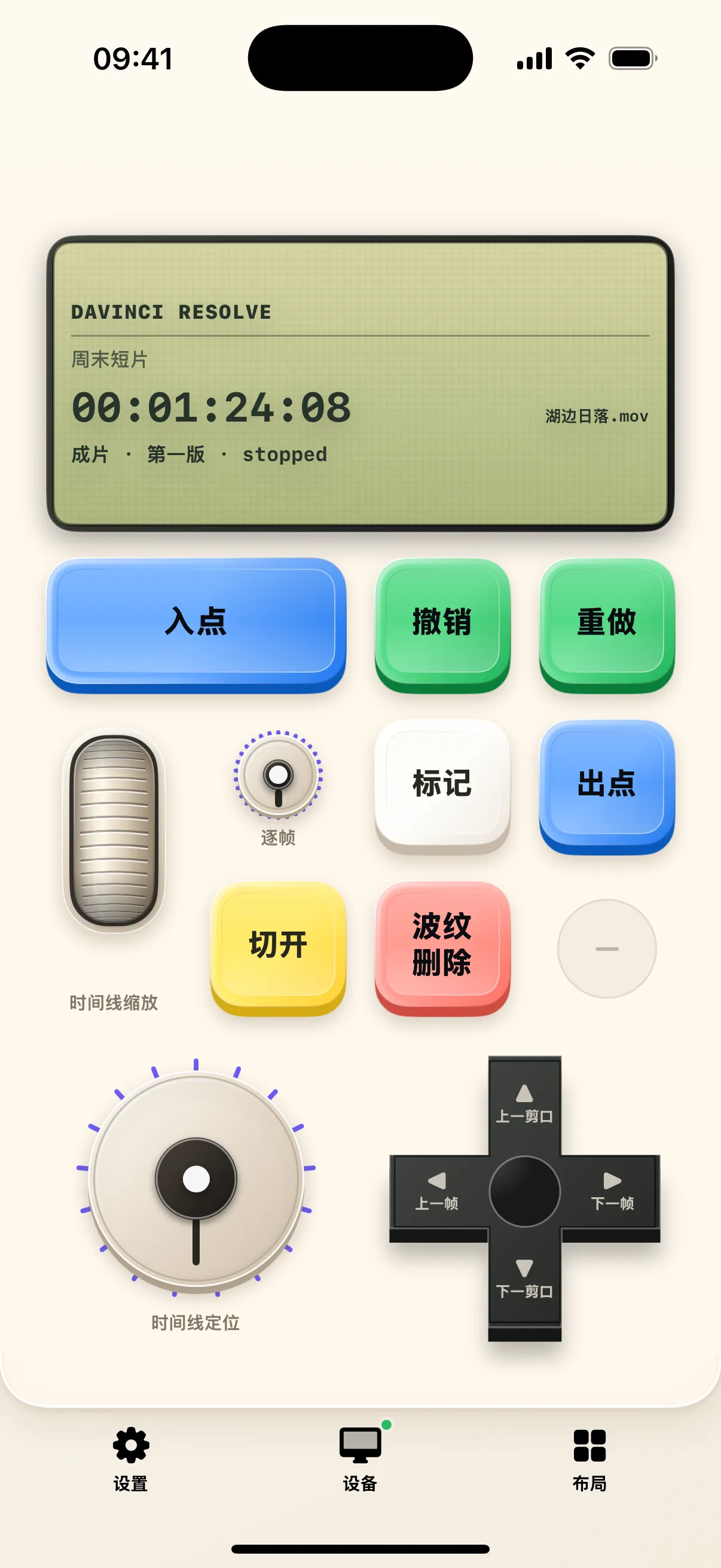
Video Editing with Mobile: From Timeline Scrubbing to Blade & Undo
Adaptive shortcut keypad for DaVinci Resolve, Premiere Pro, Final Cut Pro, and CapCut. Scrub frames, blade clips, and toggle playback seamlessly.
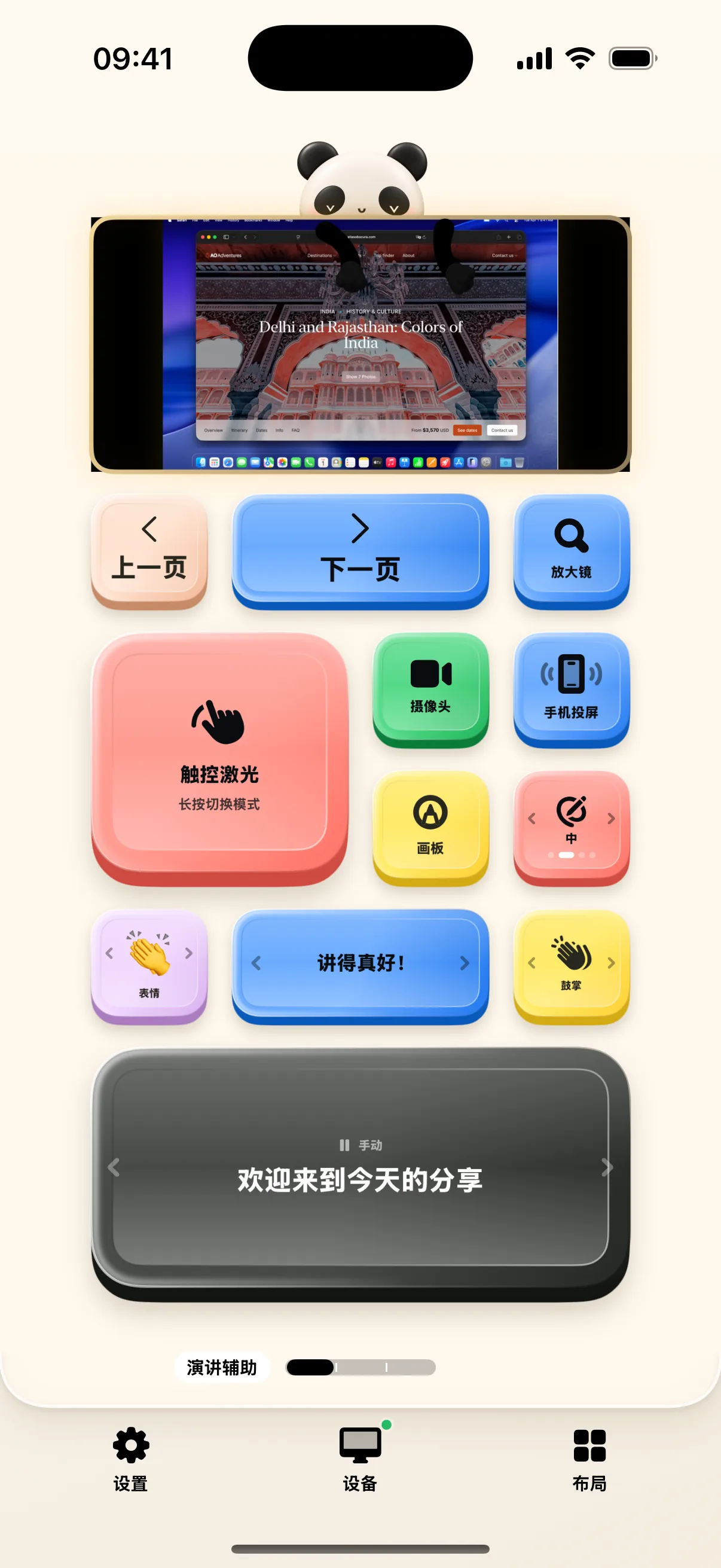
Presentation Assistant: Slide Clicker, Floating PiP & Split Timer
Slide advance, webcam overlay, screen broadcasting, and rehearsal timers for confident public speaking.
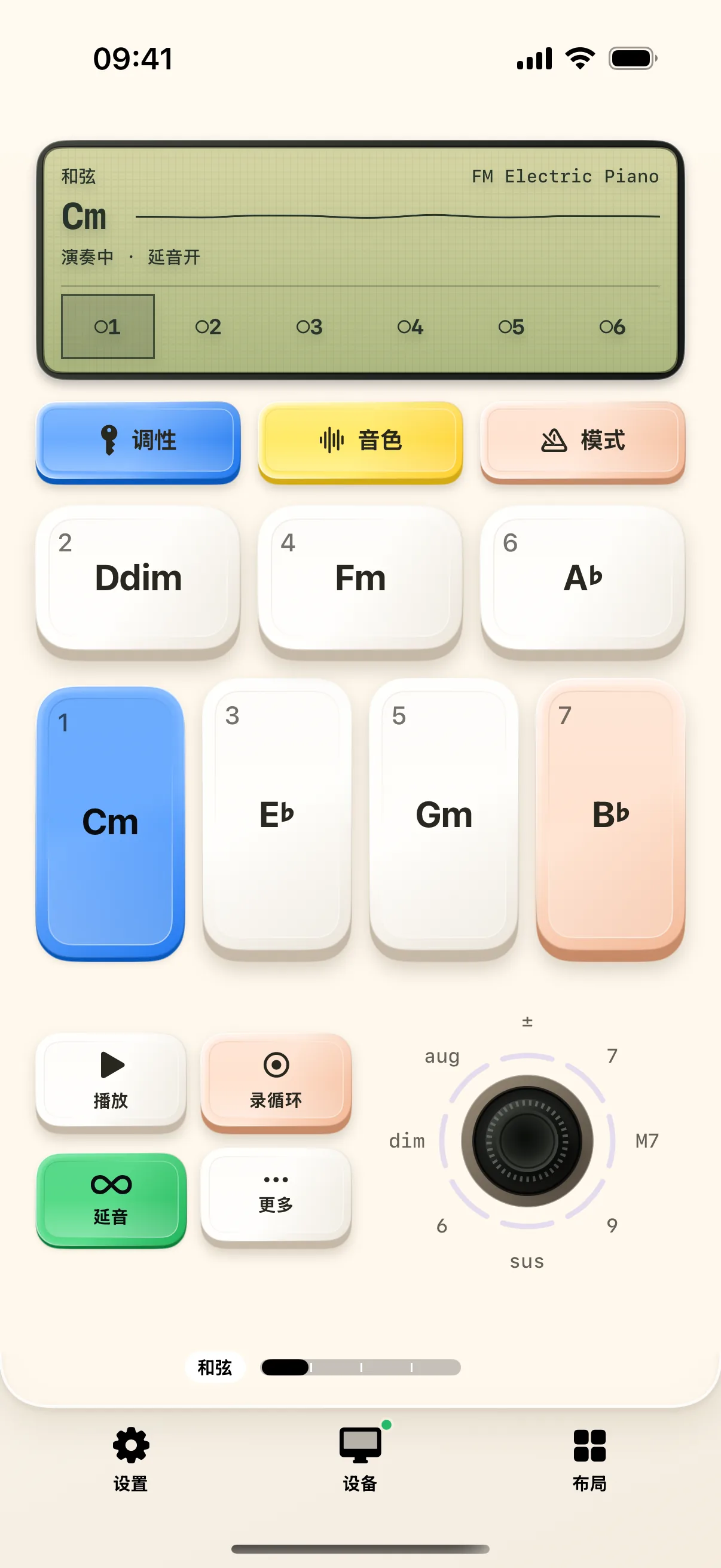
Synthesizer Starter: Diatonic Chords & Drum Patterns
Play lush chords, modulate filter cutoff knobs, build dynamic drum beats, and record multi-track loops on NinoPad's palm synthesizer.
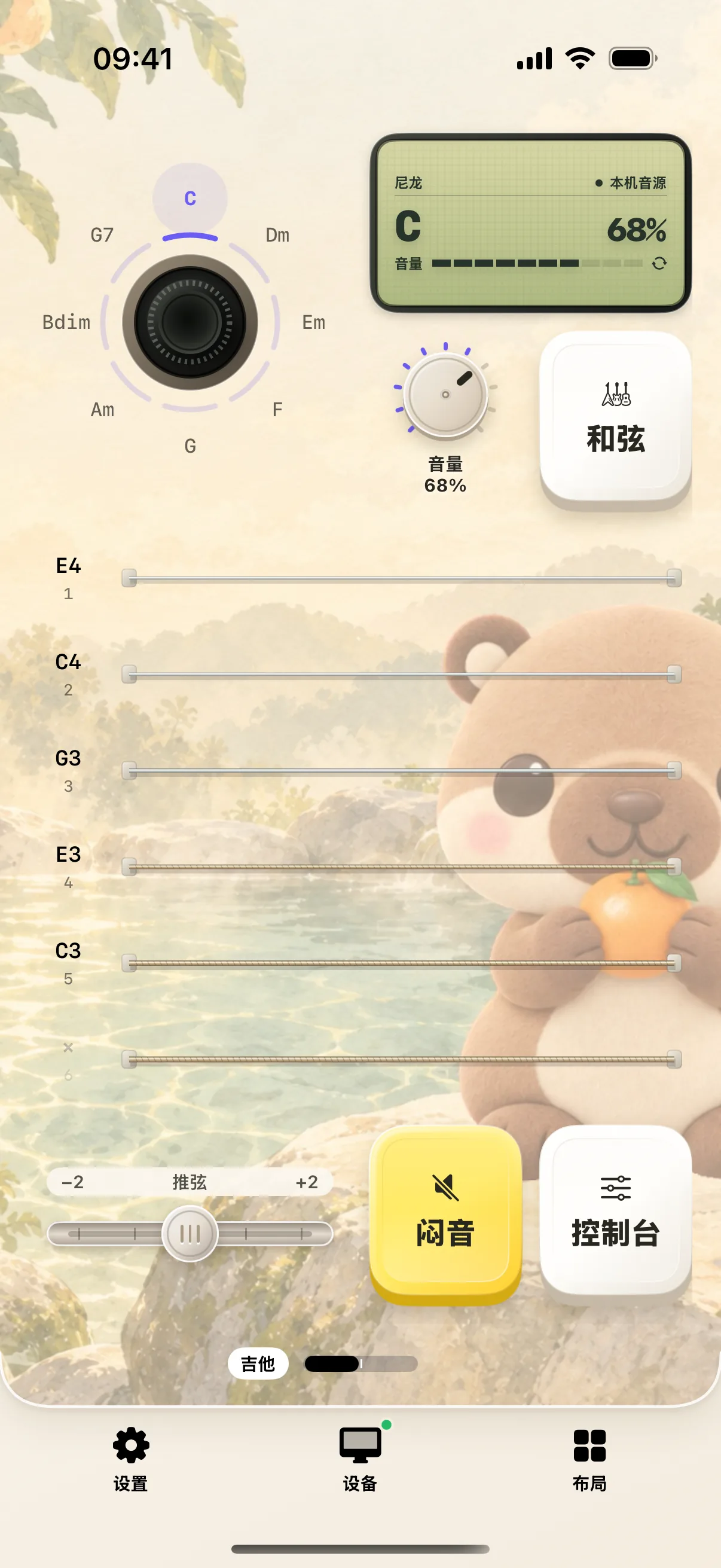
Guitar Starter: Strum 6 Strings & Master 100 Song Lessons
Strum 6 capacitive strings, switch chords with the virtual joystick, and practice interactive song lessons on NinoPad.
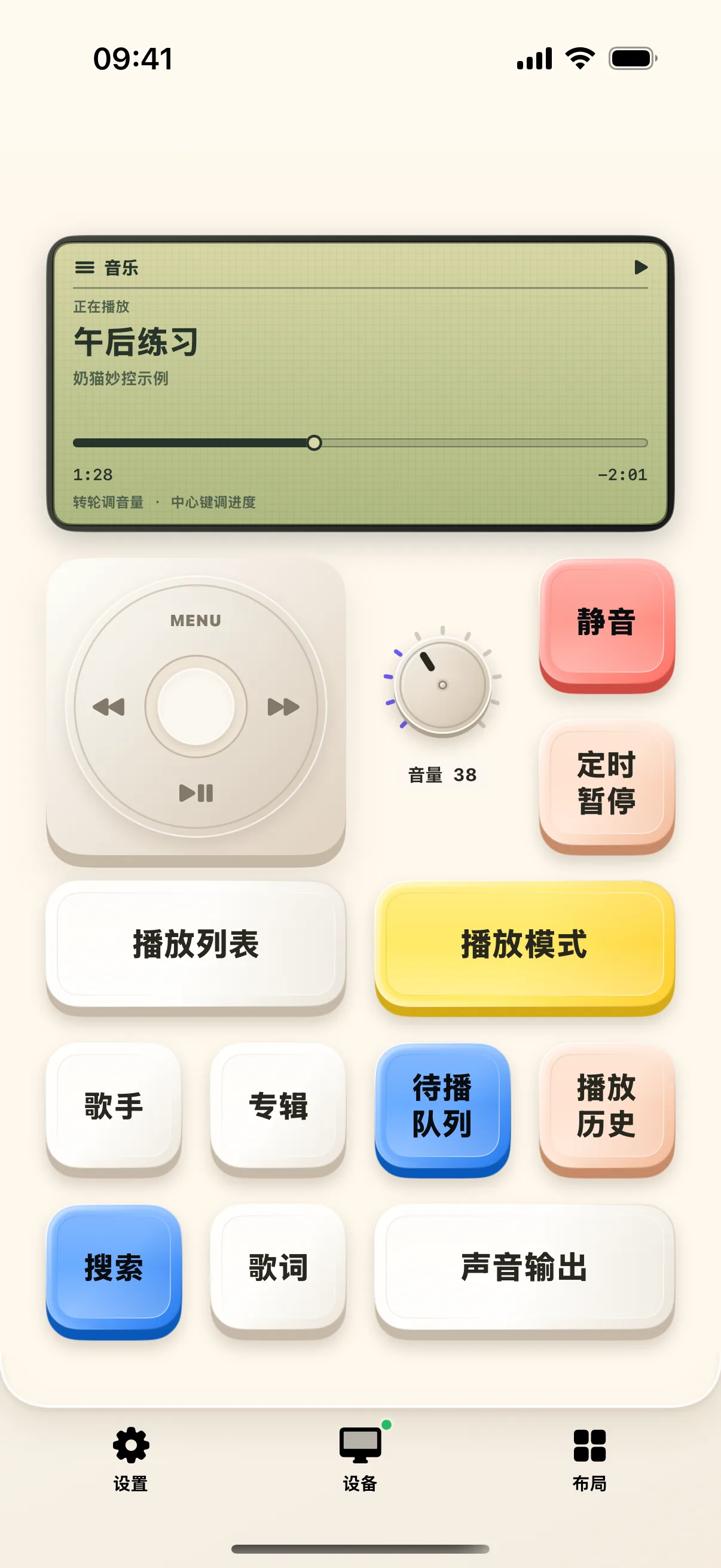
Classic Click Wheel Returns: Control Mac Music & Media on Mobile
Revive the classic tactile click wheel for Apple Music and Spotify. View album art, track info, and scrub playback smoothly.
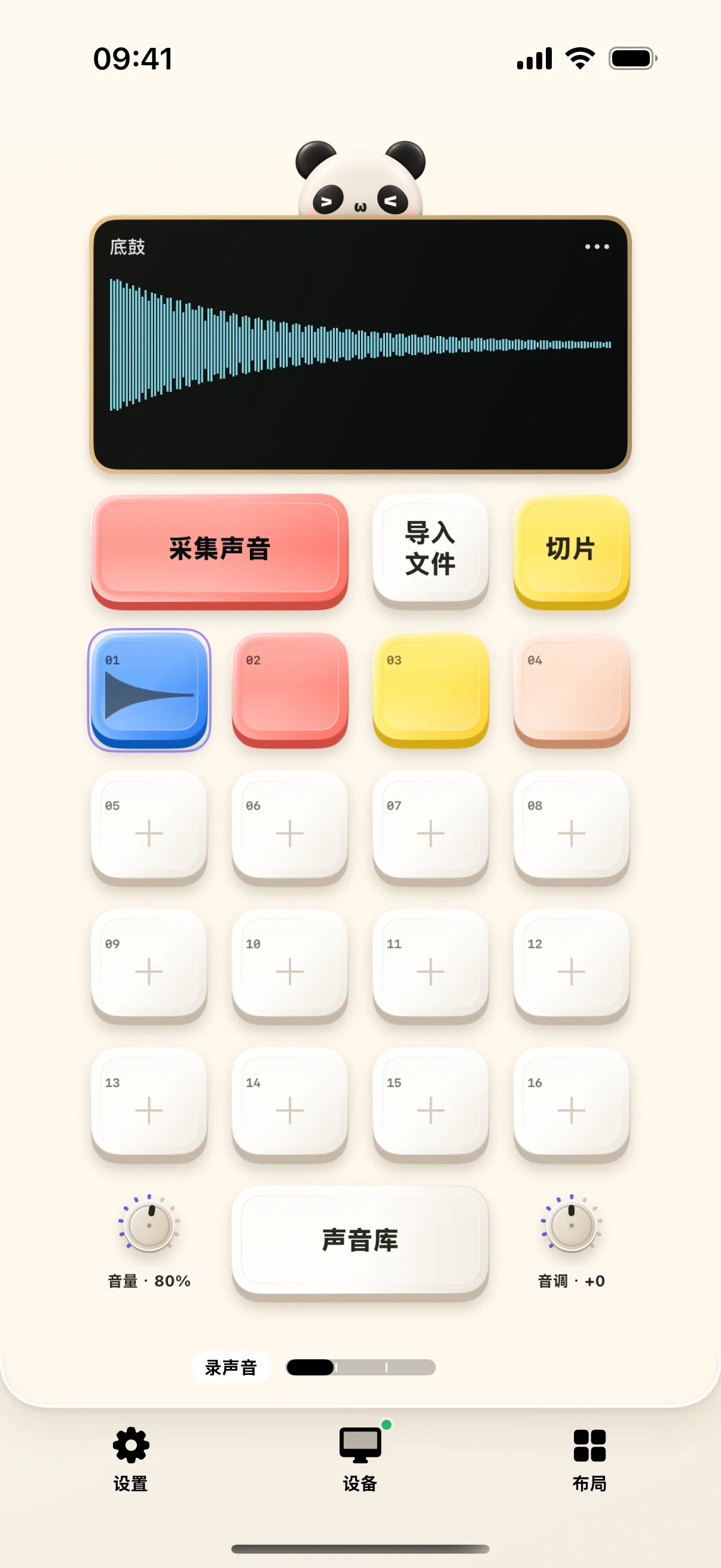
Palm Groove Workstation: Sample Packs, Drum Slicing & Sound Design
Tap 16 responsive drum pads, explore sample sound kits, configure choke groups, and produce beats anywhere.
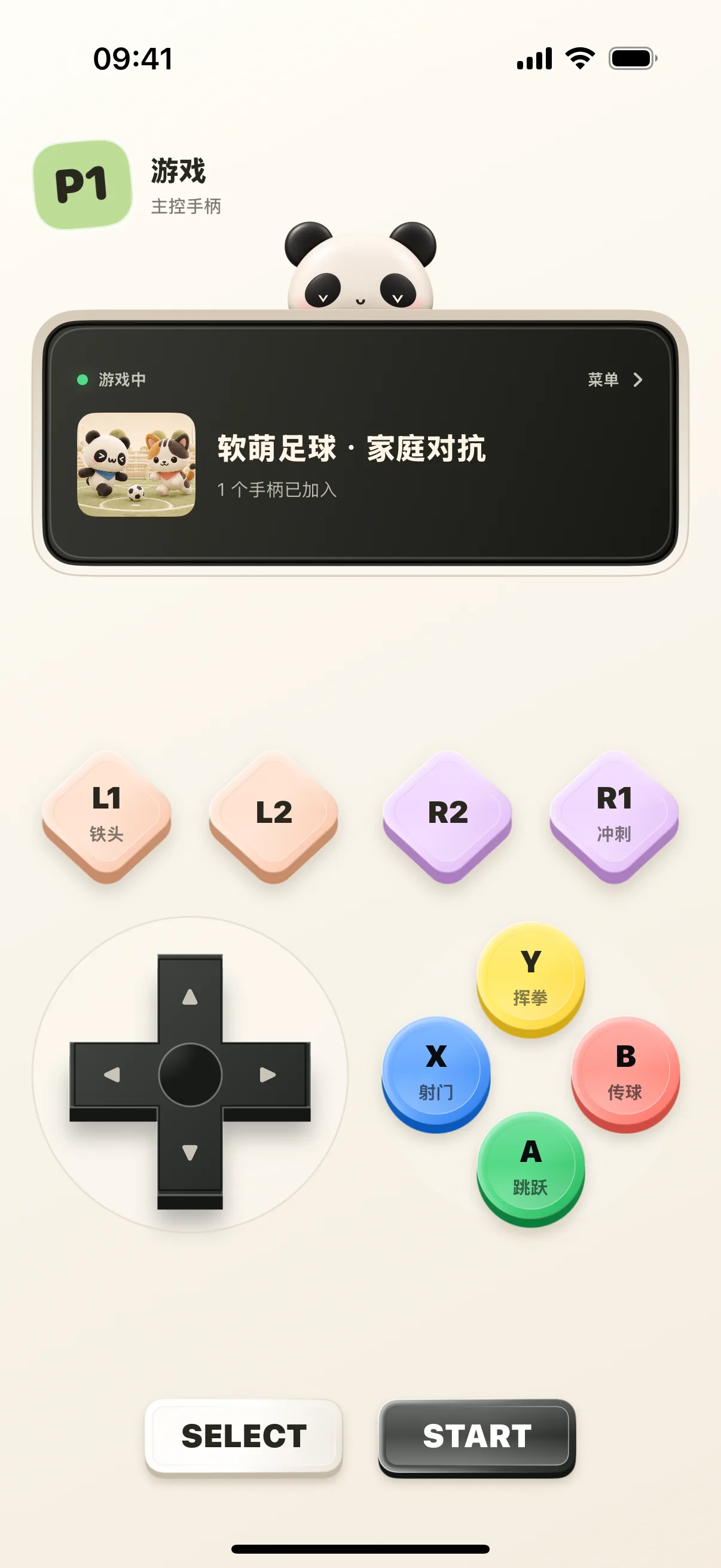
How to Use Mobile as Gamepad for NinoPad Arcade
Turn your iPhone or iPad into a responsive touch gamepad. D-pad, ABXY, shoulder buttons, and local multiplayer party games.
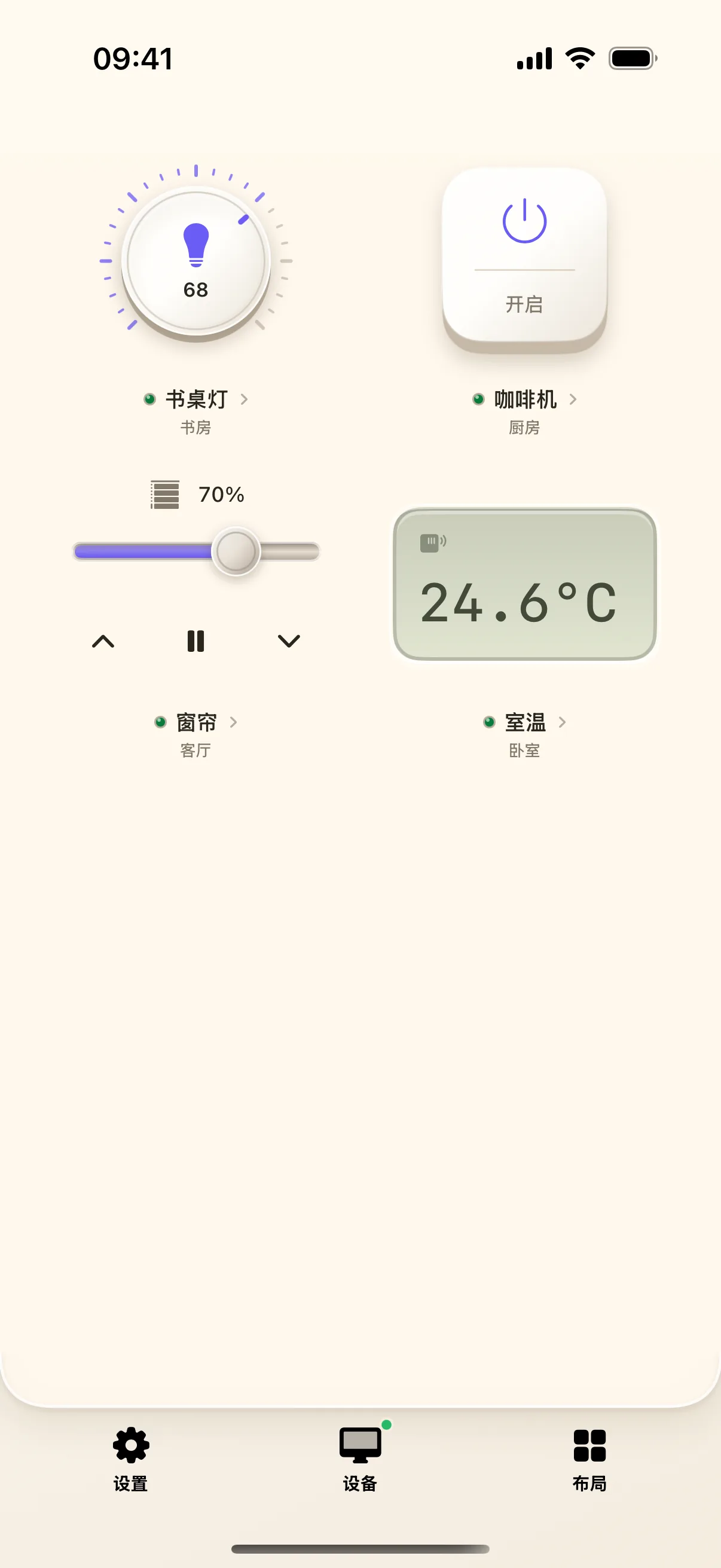
Smart Home at Your Fingertips: Connect Home Assistant & Physical Dials
Connect Home Assistant with Long-Lived Access Tokens. Add room lights and smooth rotary dimmers to your mobile deck.
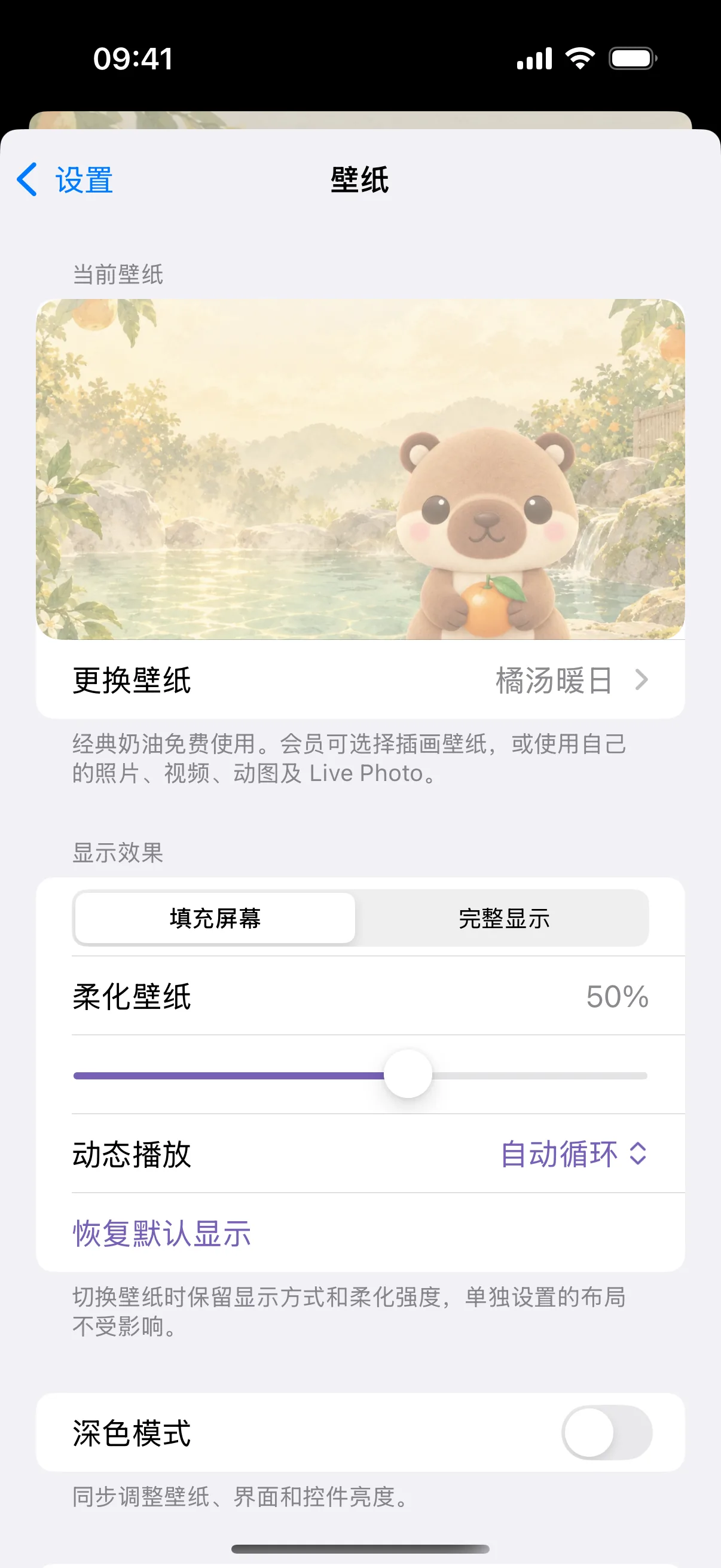
Set an Animated Wallpaper: From Built-in Mascot Loops to Custom Videos
Customize NinoPad's aesthetic with adorable animated mascot loops, retro pixel art, or your own looping video clips.
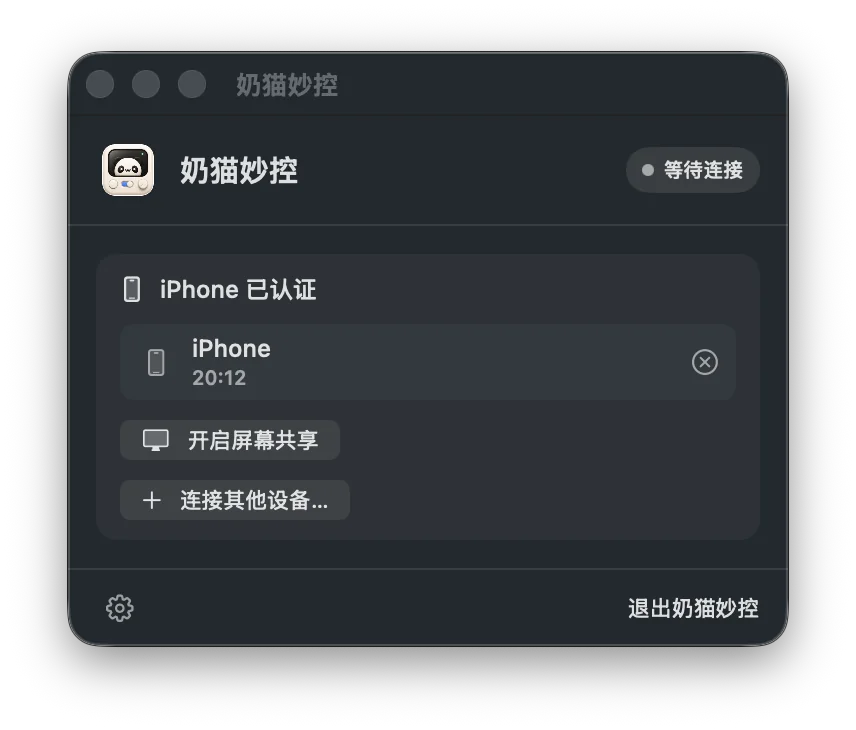
First Time Connecting to Mac: Pairing, Permissions & Troubleshooting
Step-by-step checklist for Accessibility, Screen Recording, local network discovery, and resolving connection issues.