
Synthesizing research from dozens of papers and articles requires capturing evidence without losing citations. NinoPad's Research layout establishes an organized pipeline from raw quotes to personal insights and exportable notes.
1. One-Tap Text Selection Capture
Highlight any text on your Mac and tap "Clip Selection" on NinoPad to grab the quote instantly.
2. Add Personal Commentary & Critical Thoughts
Expand the note editor on your phone to append your own analysis, questions, and cross-references while reading.
3. Auto-Preserve Source URLs & Citations
NinoPad automatically binds the active web URL or document filename to the snippet card for permanent reference traceability.
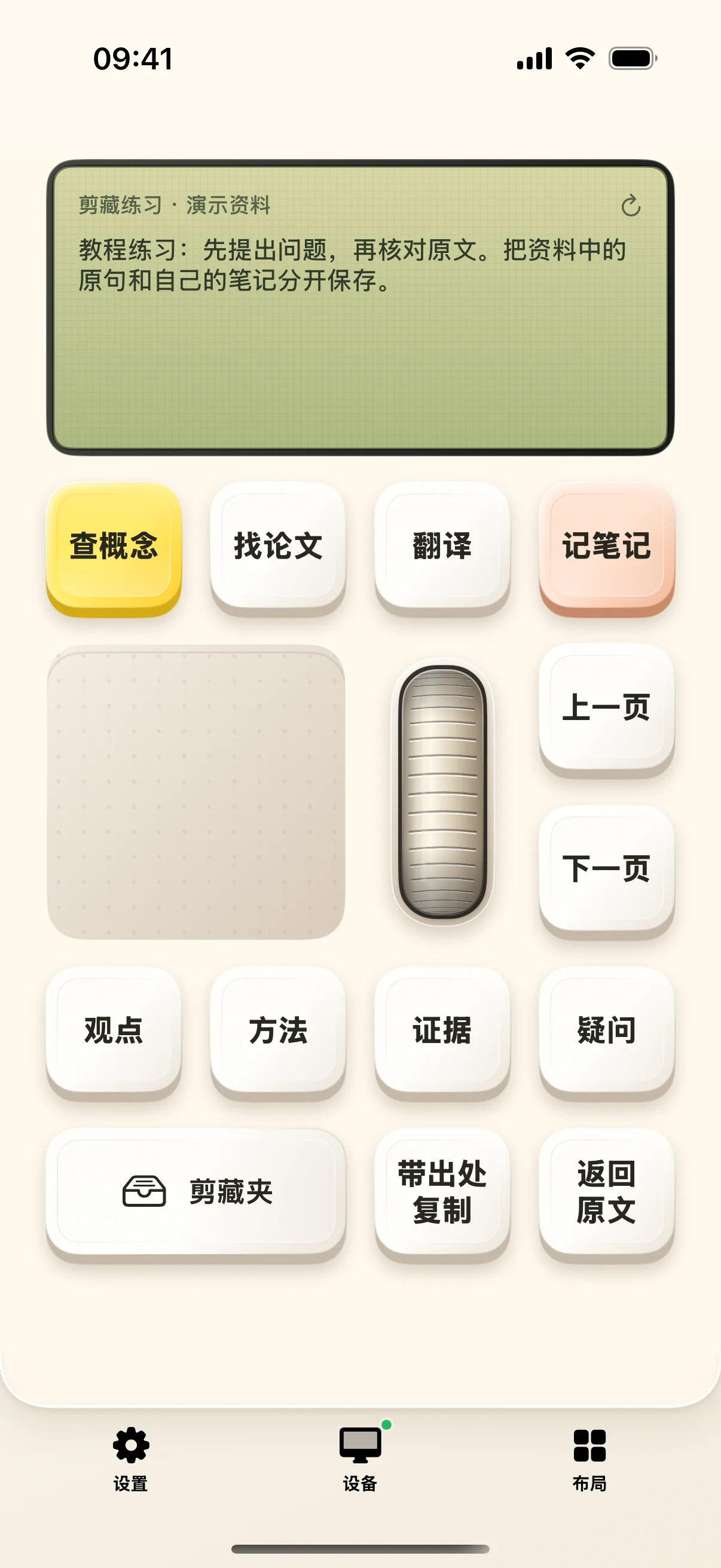
4. Filter, Tag, and Export to Markdown
Organize snippets with custom tags and batch export them as structured Markdown documents for Obsidian, Logseq, or Notion.
Frequently Asked Questions
How are clippings synced between mobile and Mac?
Clippings are stored locally on your device and can be exported as standard Markdown files or synced directly to Mac notes apps over Wi-Fi.
Can I attach PDF page numbers to clippings?
Yes. When clipping from supported Mac PDF readers, NinoPad automatically captures the current page number alongside the text.