 Palm
Palm





Video Editing Console
Navigate Timelines at the Speed of Thought
Adapted for DaVinci Resolve, Final Cut Pro, Premiere, and CapCut. Jog frames with precision dials, cut clips, and preview in real time.
 DaVinci Resolve
 Final Cut Pro
 CapCut Pro
 NinoPad
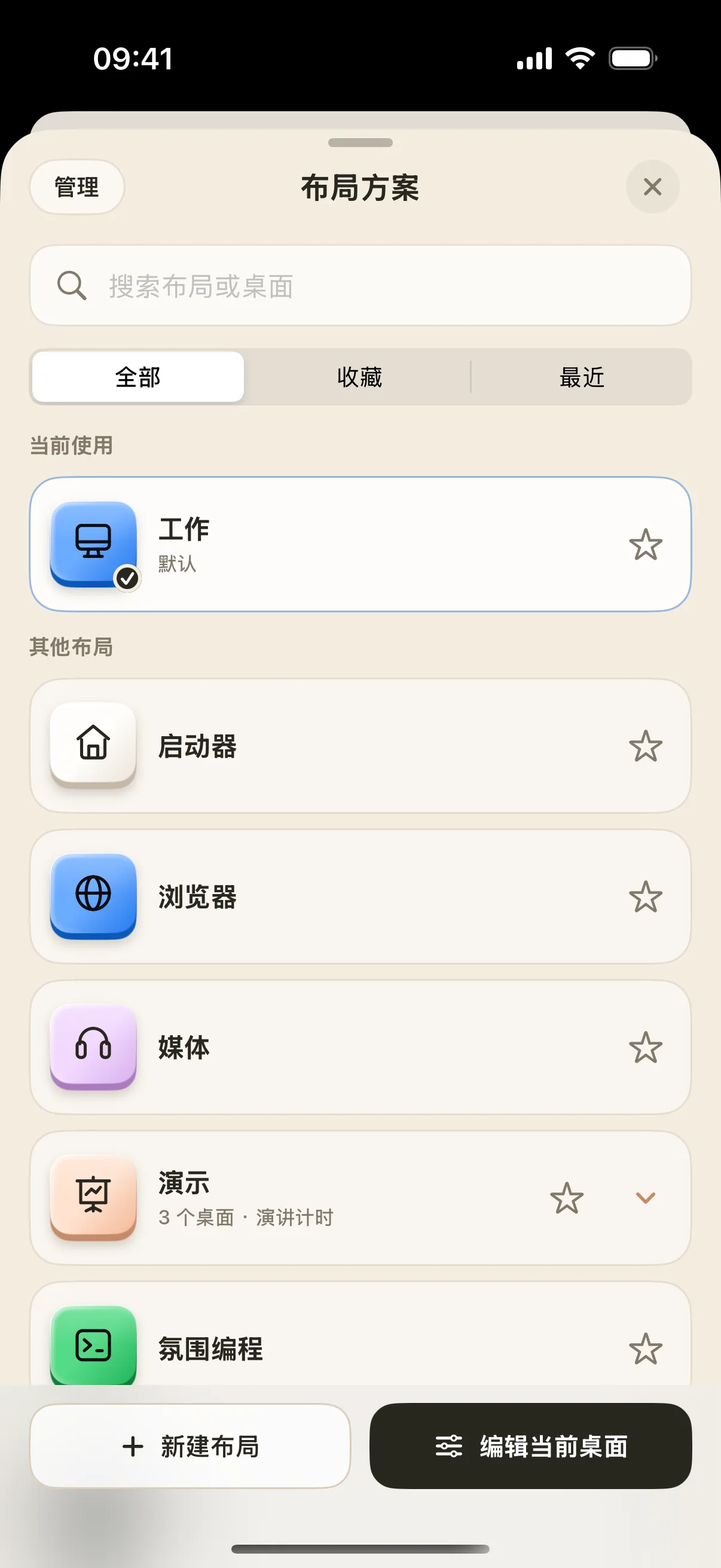
INTELLIGENT WORKSPACES
Connect instantly over local Wi-Fi. Preset setups for editing, music, presentation, coding, and writing with intuitive tactile knobs and keys. View user guides →
Productivity · 4 Layouts
REMOTE SCREEN & CONTROL
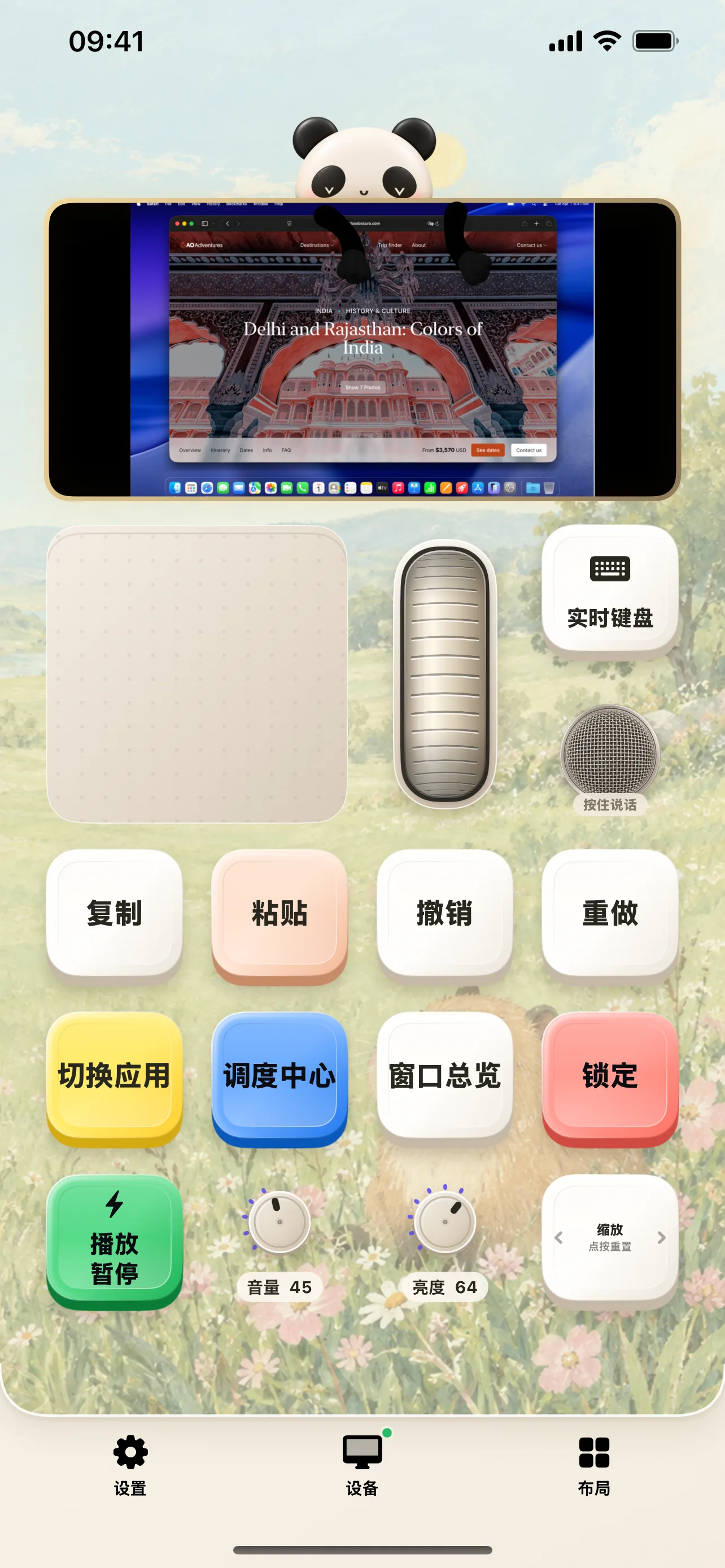
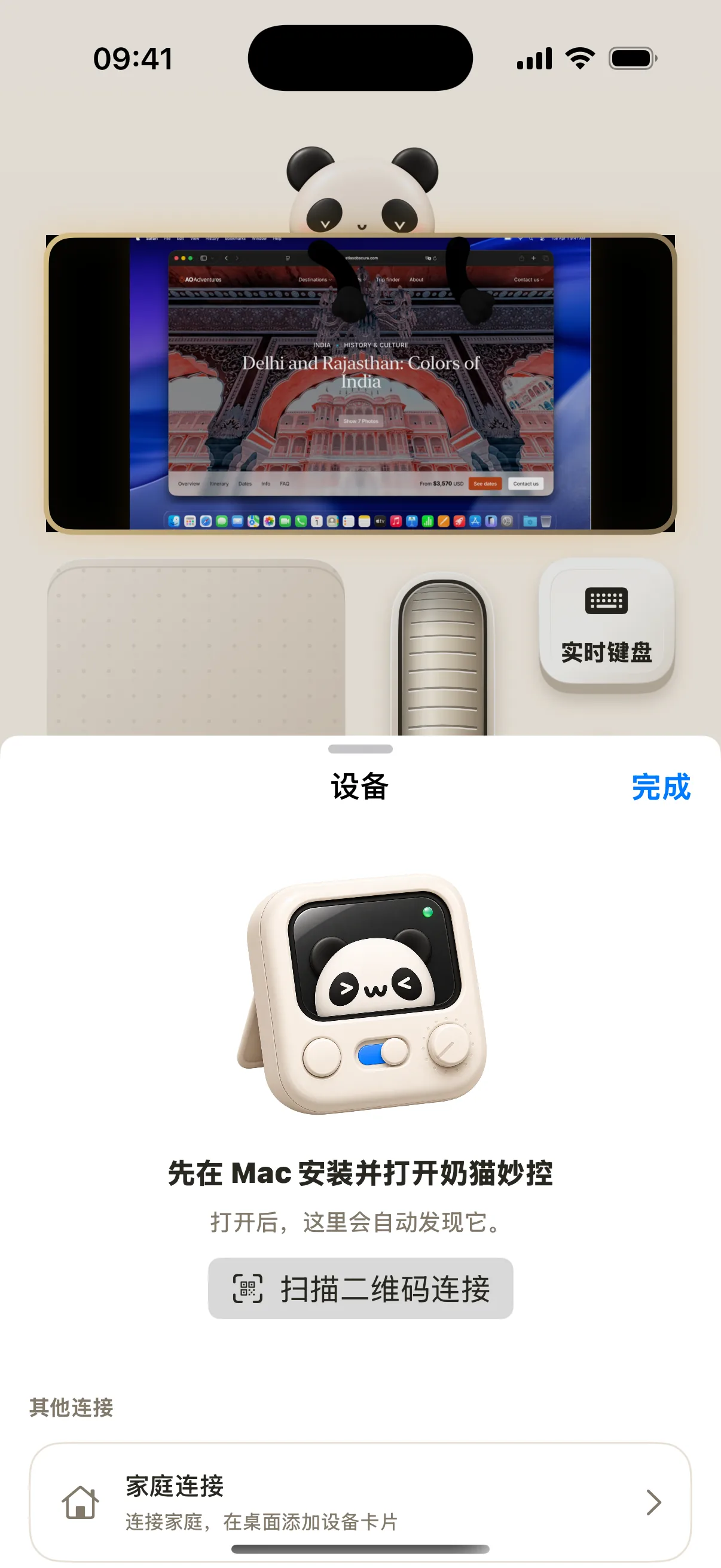
Real-time desktop streaming, virtual trackpad, pre-edit text keyboard, and wireless microphone make iPhone & iPad your natural control extension.
View live Mac desktop while controlling with trackpad, scroll wheel, and quick keys on a single screen.
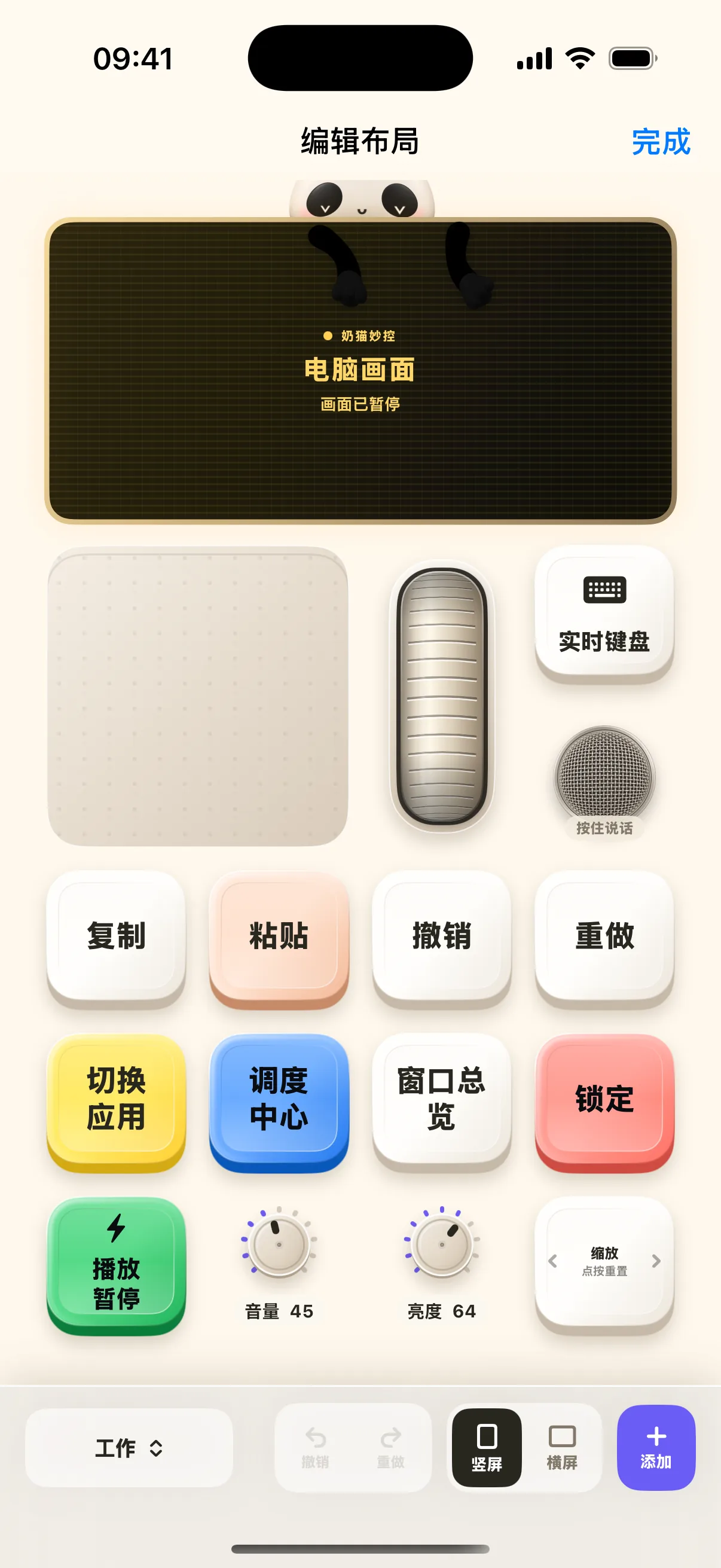
CUSTOM CANVAS
Place buttons, dials, sliders, trackpads, and displays freely across customizable grids tailored to your ergonomics.
Drag, drop, and resize controls freely to fit left or right-handed preferences on any screen size.
Bind complex hotkey sequences, text snippets, and multi-step actions to a single tactile button.
Automatically switches your mobile keypad layout to match the active window on your Mac.

FAST PAIRING
Install the iOS app from App Store; Download the Mac DMG, move NinoPad to Applications and launch.
Enable Accessibility permissions in System Settings to allow cross-application shortcut controls.
Ensure both devices are on the same local Wi-Fi, open the mobile app, and scan the menu bar QR code.
Check connection status via iOS Lock & Home screen widgets. Long press the app icon to pair quickly and swipe edges to cycle layouts.
Video Editing Console
Adapted for DaVinci Resolve, Final Cut Pro, Premiere, and CapCut. Jog frames with precision dials, cut clips, and preview in real time.
DaVinci ResolveFinal Cut ProCapCut ProPRO EDITION
Unlock HD screen streaming, advanced music & development layouts, multi-workspace switching, and iCloud sync.

$0.49/ week
$6.99/ year
$13.99one-time
Dedicated control surfaces for DaVinci Resolve, FCP, synthesizers, and coding.
Enjoy crisp resolution and smooth frame rates for responsive desktop monitoring.
Create unlimited independent keypad scenes and switch between them instantly.
Personalize your control deck with animated wallpapers and custom images.
Access laser pointer, magnifier, drawing pen, and camera PiP overlay tools.
Send mobile photos, snippets, and files straight to Mac with one tap.
Seamlessly back up and sync your keypad decks across all your devices.
Keep track of background task progress and connections right from Lock Screen.
All plans include identical Pro benefits. Exact pricing and currency are displayed at checkout in App Store. View complete Terms of Purchase
>w<
Check connection status with expressive emoticons, refresh pairing codes, and manage paired devices instantly.
View Connection Guide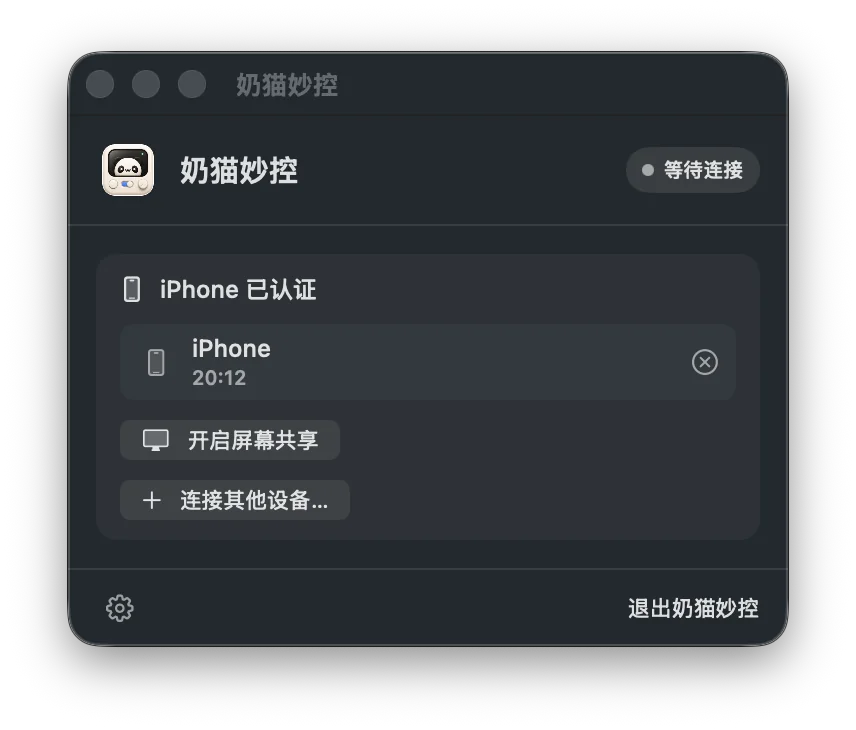
Everything you need to know about local networking, permissions, Pro unlock, and privacy.
View Complete Support & Help Manual →Yes. NinoPad communicates directly over your local Wi-Fi network, requiring no internet or cloud relay for minimal latency and maximum privacy.
Basic hotkeys and cursor control require Accessibility permission in macOS 'System Settings → Privacy & Security → Accessibility'. Screen mirroring requires 'Screen Recording' permission.
All core keypads, trackpad, and system controls are 100% free. Pro membership can be subscribed to or purchased as a lifetime unlock inside the iOS app via Apple StoreKit, with full support for restoring purchases across devices.
Never. All control commands, text, and screen streams are transmitted strictly peer-to-peer within your local area network without passing through any external servers.
Supports macOS 13 (Ventura) and later. The Universal binary natively supports both Apple Silicon (M1/M2/M3/M4 chips) and Intel-based Macs.
Phone, tablet, and Mac. Pair in seconds with QR code.