
Your Mac Control Deck,

Turn your iPhone or iPad into a Mac trackpad and shortcut keypad. Pair over local Wi-Fi and start with free controls; Pro unlocks custom decks and pocket instruments.

Start with ready-made layouts and customize them to fit your workflow.

There are 18 built-in high-frequency preset layouts, and the knobs can be switched at will, making it easy to use right away. View the quick start guide →

AUTO PRESET
01 / 18
Work

macOS desktop and current applications · The trackpad, scroll wheel and high-frequency keys are integrated on one screen, allowing you to control while watching.

Work

Start with what you want to do

Follow practical setup steps, check the requirements, and choose the controls that fit your workflow.

REMOTE SCREEN & CONTROL

Control your Mac with more than just a screen

Dual-screen collaboration is at your fingertips. Use the touchpad and shortcut keys on the phone on the right to remotely control the Mac desktop on the left in real time.

Final Cut Pro File Edit show
09:41
Timeline — 4K_B-Roll_Master.mov
CLIP 01 · 4K 60p

Hawa Mahal · Sunset Sequence

00:01:24:18
00:0000:3001:0001:3002:00
Video 1A [4K HDR]
Video 1B [B-Roll]
Audio 1A [-3dB]
Audio 1B [-3dB]
Apple Music — Lo-Fi Chill
NOW PLAYING

Midnight Ambient Beats

50%
‹›
🔒 ninopad.com
Turn on linkage
Hardware-level touch experience

Control your Mac with more than just a screen

⌘CCopy
⌘VPaste
⎋Undo
⇧⌘4screenshot
NinoPadKit.swift — Xcode
12345

import NinoPadKit

let deck = NinoPadDeck(lowLatency: true)

deck.onAction { event in

  MacStudio.dispatchSync(event)

}

Ninopad Companion
iPhone 16 Pro · 0.8ms
4K clip
Lo-Fi music
Multitasking
inspiration shorthand
Safari.app Application
Safari
Xcode
Ninopad
Screenshot is ready
Notes — shorthand for inspiration and voice delivery

Today 09:41

Mobile text and voice are directly connected to Mac cursor ready...

ready
virtual trackpad
Slide to remote control Mac cursor
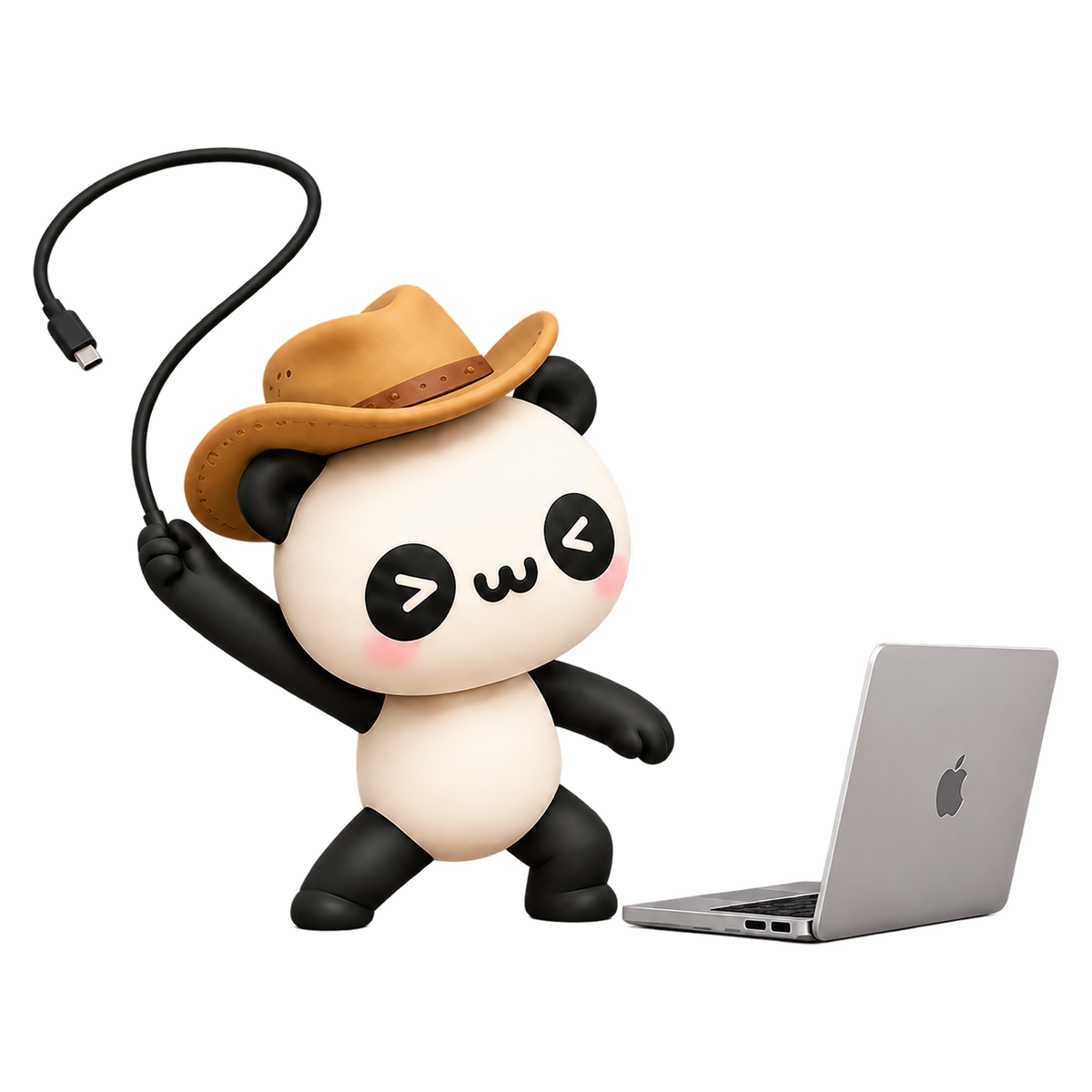
Koala panda in cowboy hat ready to connect to Mac

FAST PAIRING

Get connected in three simple steps

  1. 01

    Install mobile and Mac versions

    from App Store Install mobile app;Download the Mac installation package, drag "NinoPad" into "Applications" and start it

  2. 02

    Enable Accessibility access

    Turn on the accessibility permissions in the system settings according to the system boot to support cross-application quick control

  3. 03

    Scan the QR code to pair

    Make sure both ends are in the same LAN Wi-Fi, open the mobile phone and scan the QR code to complete the binding.

More shortcut widgets and gesture operations

Supports desktop widgets to view connection status and quick access, supports long-pressing icons to scan QR codes for pairing and edge gestures to switch layouts.

NinoPad device and pairing page
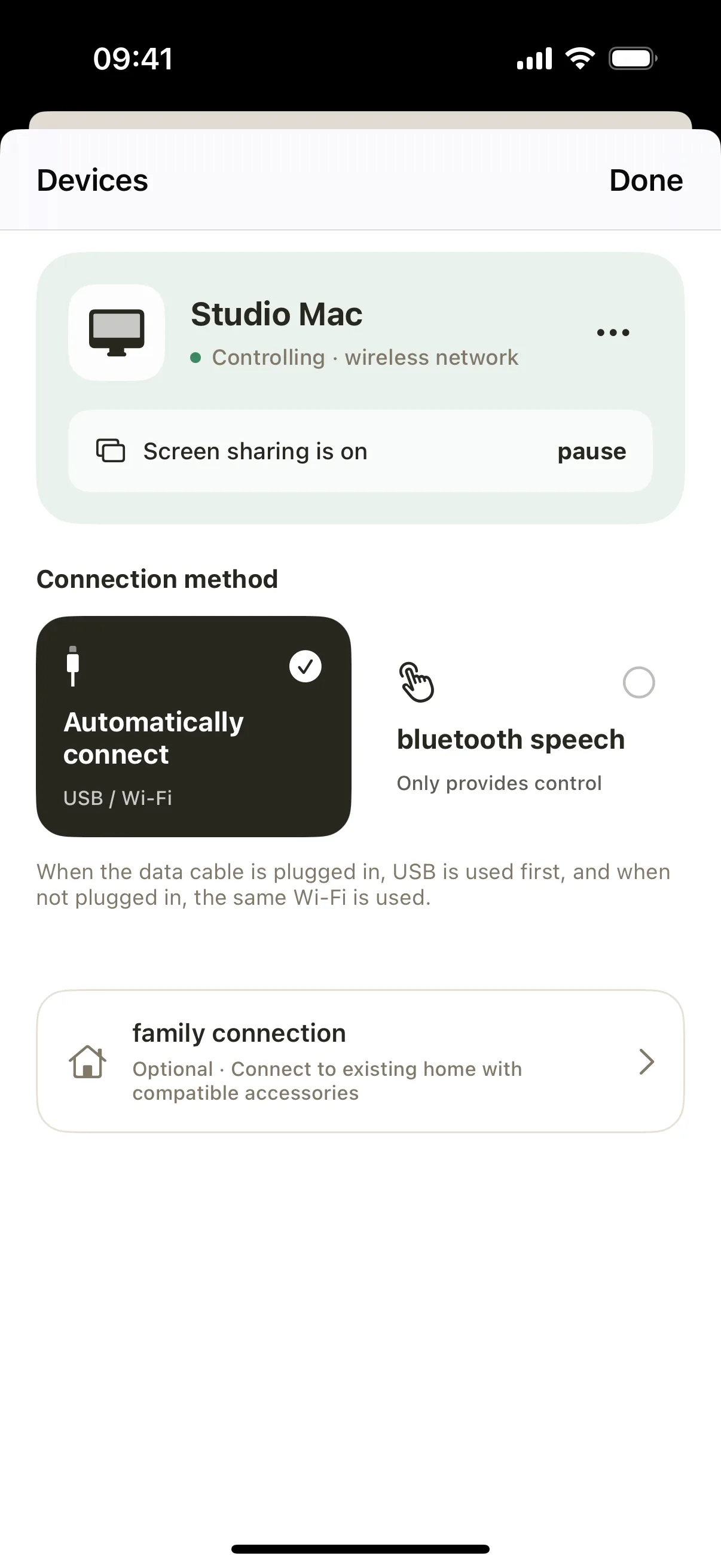
Devices and PairingAutomatically discover Mac devices on the LAN, scan the QR code to quickly establish an encrypted session
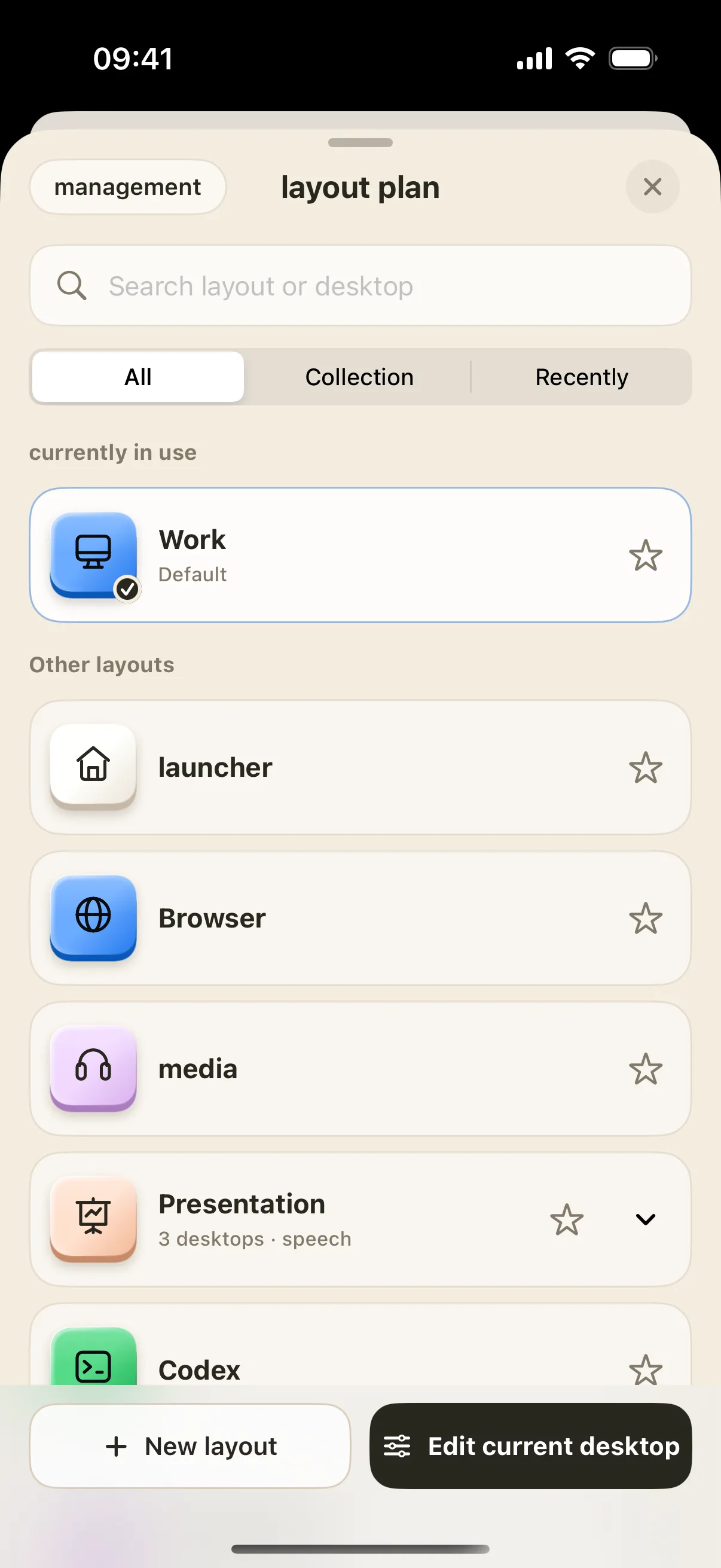
NinoPad small keyboard switching page
Switch workspaces freelyPress and hold the edge of the screen or swipe horizontally to switch smoothly between multiple sets of workspace keypads

Editing Deck

Travel through the timeline with your fingertips and edit at a faster pace

Compatible with common shortcut keys for DaVinci Resolve, Final Cut Pro and editing. Turn the knob to find frames precisely, and quickly cut and play back with one hand.
  • DaVinci Resolve
  • Final Cut Pro
  • CapCut Pro

PRO EDITION

Upgrade to the Pro version and customize your own workbench

Unlock HD streaming, professional music and development layouts, multiple desktops and iCloud synchronization, and experience richer desktop control.

  • Professional layout such as editing development and music creation
  • Ultra-clear streaming quality and full-screen game streaming experience
  • Free customization of multiple desktops and beautification of wallpapers
Weekly subscription

$0.49/week

Weekly subscription — try Pro at your pace

Lifetime

$13.99One-time purchase

Lifetime purchase — pay once

Secure payment through Apple Restore purchases on a new device Cancel subscriptions in the App Store
See the full list of Pro benefits

Professional software layout

Contains exclusive control panels for editing, color grading, synthesizer performance, and development terminals.

Ultra HD picture streaming

Unlock high-definition and ultra-high-definition streaming quality, and watch the computer screen more clearly and delicately on your mobile phone.

Free customization and multiple desktops

Adjust the button knob component at will to support the creation of multiple independent scene desktop switches.

Personalized illustrations and wallpapers

Built-in NinoPad illustrations, motion wallpapers and custom background images.

A complete set of presentation aids

Provides reporting tools such as laser pointers, magnifying glasses, screen brushes, and camera floating windows.

Quick photo and file transfer

Photos, drafts, and file attachments from your mobile phone can be sent directly to your Mac with just one click.

iCloud Sync

Automatically synchronize layout configuration, wallpapers, clipboards and music creation project data.

Dynamic Island & Live Activities

Check task progress through Live Activities on the Lock Screen and Dynamic Island.

All package benefits are exactly the same, and the actual price will be displayed at the App Store checkout. View full purchase and subscription terms

>w<

Ready when you need it, right in your menu bar

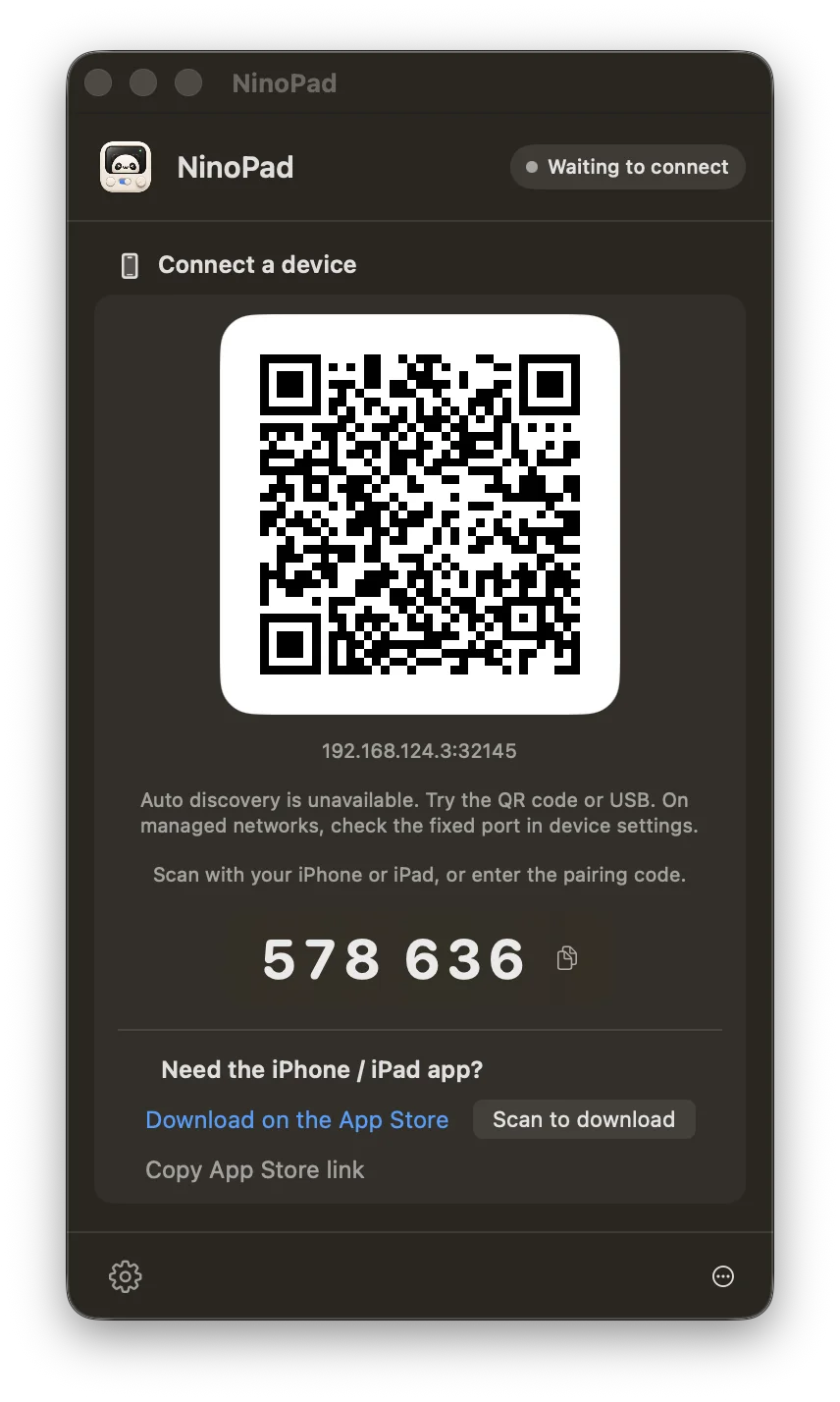
Check the cute emoji connection status, refresh pairing codes and manage devices at any time in the top menu bar

View the connection guide
NinoPad Mac side pairing QR code and settings

FAQ

Answers to frequently asked questions about LAN connections, permission troubleshooting, membership subscriptions, and privacy security

View the full help and support manual →
Do my devices need to be on the same Wi-Fi network?

Remote control requires your iPhone or iPad and Mac to share a local network. Control traffic stays on that network; an internet connection is not required for basic control.

Why can't my Mac receive control commands or screens?

Regular keys and controls need to be allowed for NinoPad in Mac's "System Settings → Privacy & Security → Accessibility"; if real-time screen mirroring is required, the "Screen Recording" permission needs to be turned on separately.

Are basic functions free? How to purchase and restore Pro membership?

Core basic keypad and system controls are completely free. Pro members can go to "Settings → NinoPad Pro" on iPhone/iPad to subscribe or buy out. All transactions are processed by the Apple App Store, and one-click recovery of purchases is supported.

Will control instructions and data be uploaded to the cloud?

Mac controls, text input and screen images travel directly between paired devices on the local network, without a cloud relay. Optional iCloud sync and third-party services have separate data flows; see the privacy policy.

What Mac devices and systems are supported?

Supports Mac devices running macOS 13 (Ventura) and higher, and the Universal architecture is natively compatible with Apple Silicon (M series chips) and Intel processors.

Koala Panda Partner brings download package

Keep the keypad handy

With mobile phones, tablets and computers, scan the QR code to pair up instantly.