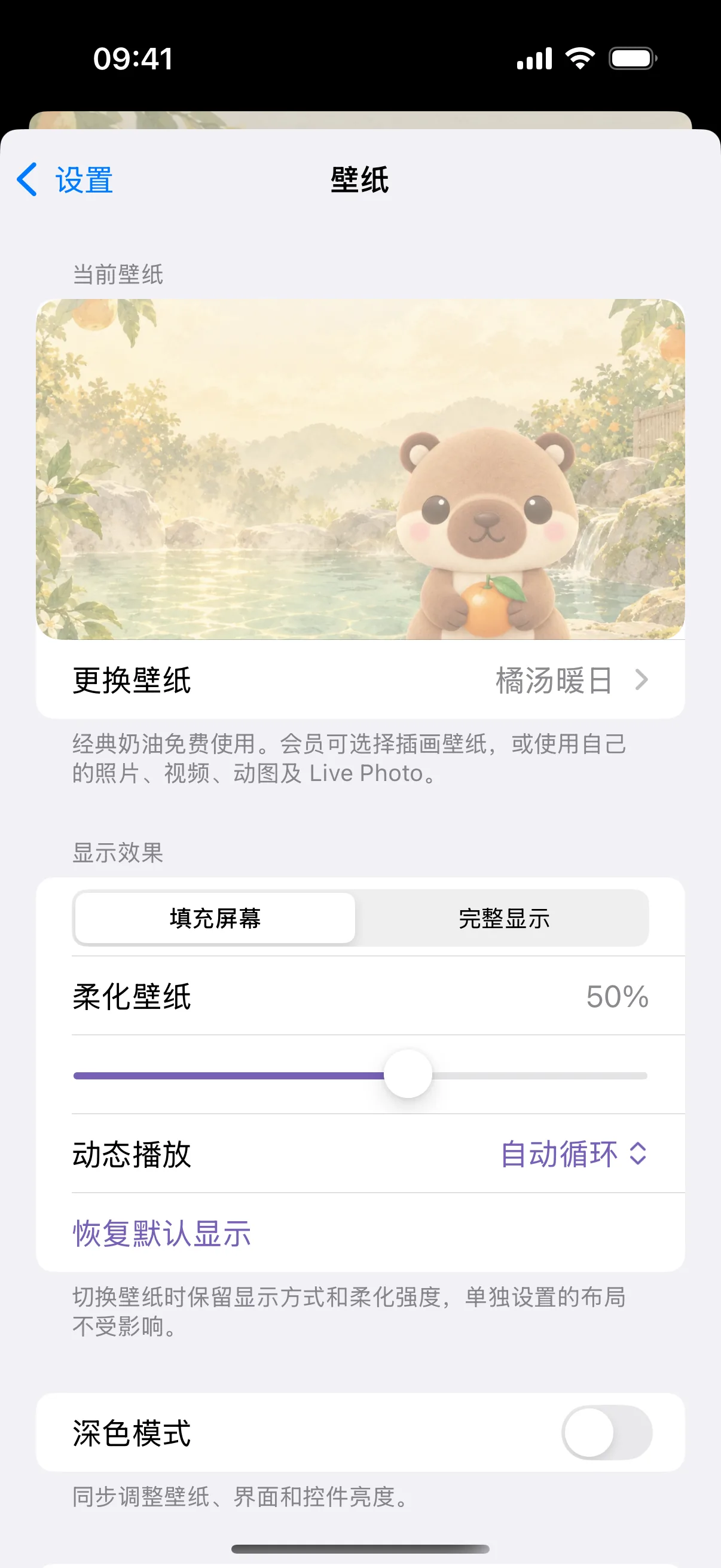
Personalize your desk aesthetic. NinoPad features a rich library of animated mascots, retro game landscapes, and supports custom looping videos directly from your Photos library.
1. Open Wallpaper Settings
Tap "Settings → Appearance → Wallpaper" inside NinoPad to browse available visual themes.
2. Choose from Mascot Loops
Select from built-in animated loops featuring Nino the panda, cozy café scenes, retro pixel art arcades, and minimalist ambient gradients.
3. Import Your Own Custom Video
Tap "Import Video" to choose any clip from your device's Photo library. Crop and trim the loop directly in the app.
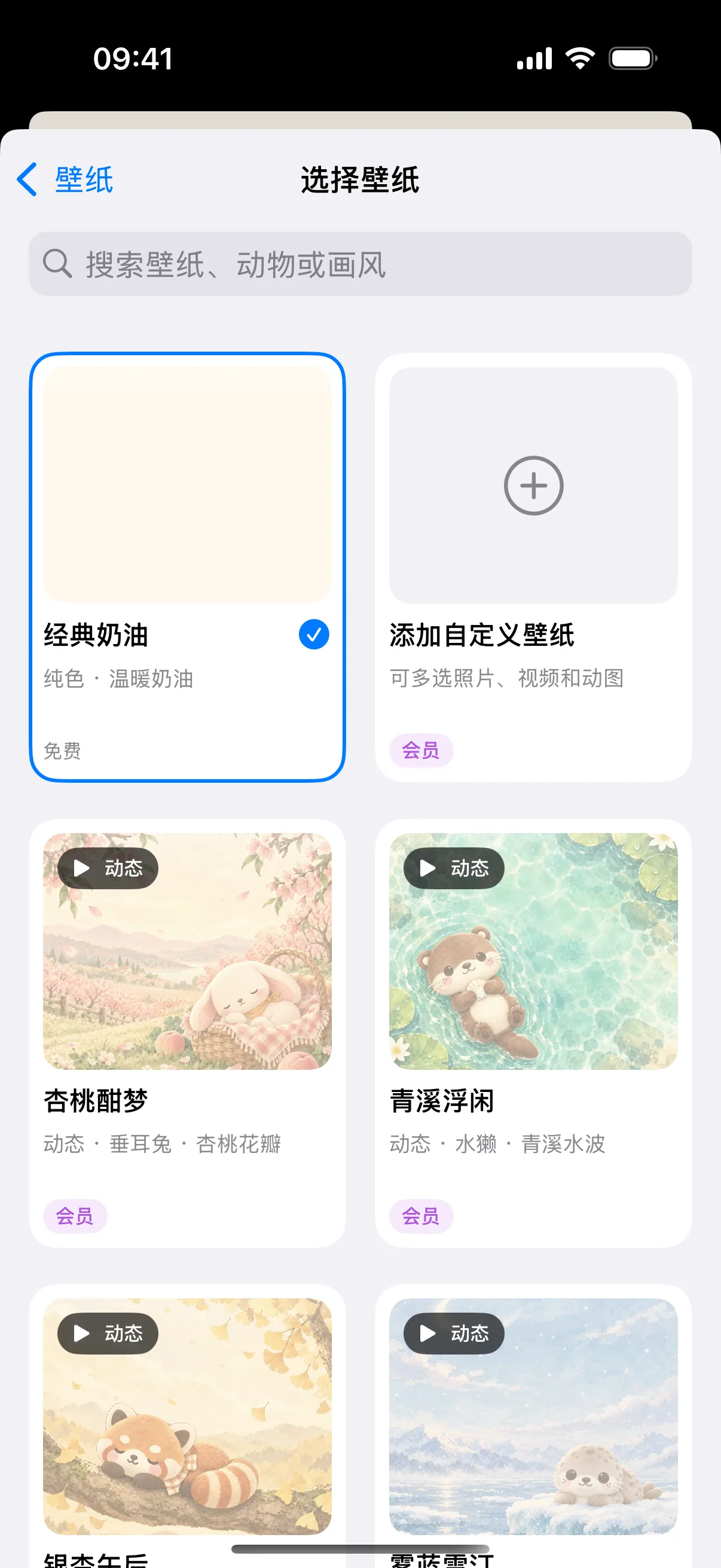
4. Adjust Button Opacity & Contrast
Use the background dimming slider to ensure keyboard text, shortcut glyphs, and dial indicators remain sharp and legible over any video backdrop.
Frequently Asked Questions
Do animated wallpapers drain mobile battery quickly?
NinoPad optimizes video decoding using hardware-accelerated loops with minimal CPU overhead. You can also enable battery saver mode in Settings to pause animations during idle periods.
What video formats are supported for custom wallpapers?
NinoPad supports MP4, MOV, and animated GIF formats up to 4K resolution at 60fps.