

Capturing research quotes is only half the battle; organizing them into structured reference material is what makes knowledge actionable. NinoPad allows you to filter research clippings by tag and export them as clean Markdown files with source URLs intact.
1. Open the Clipping Library
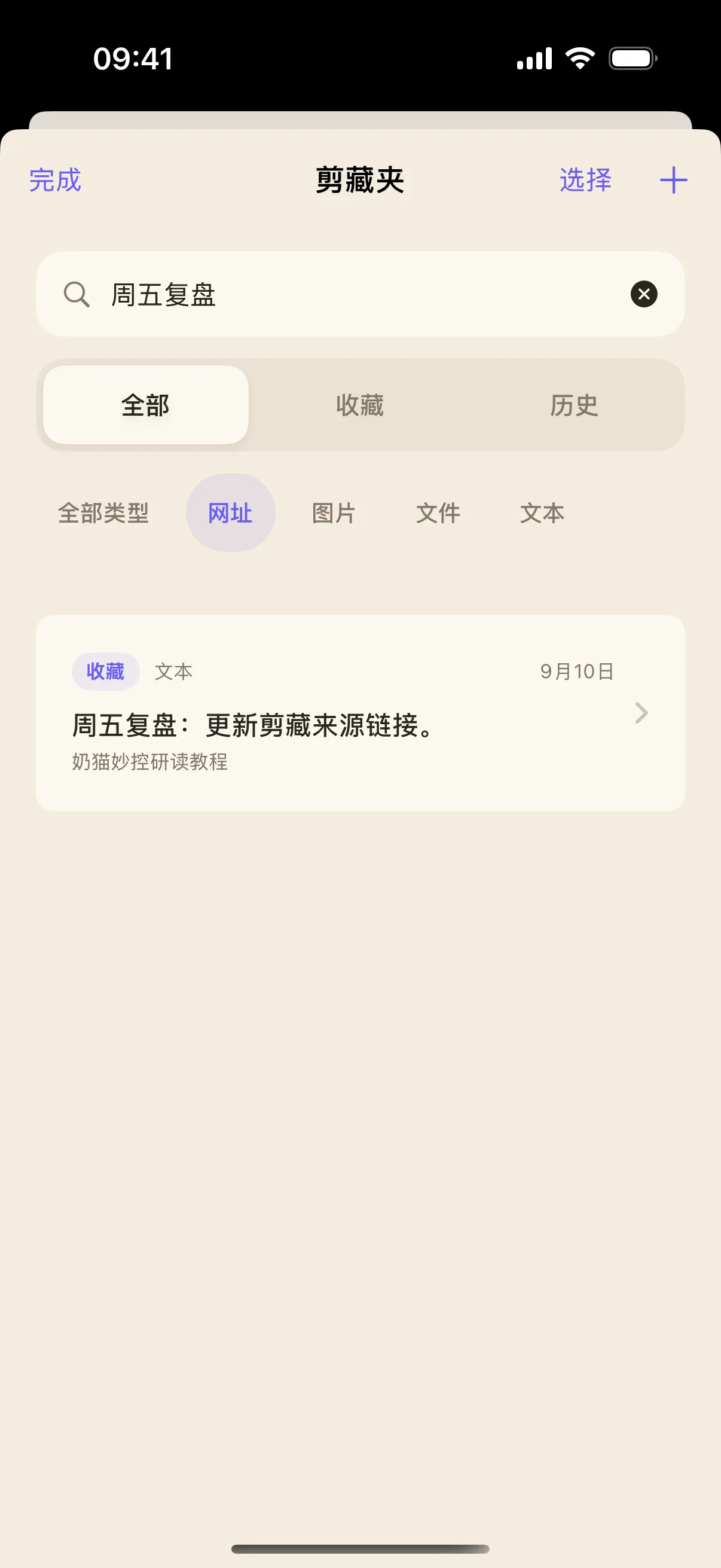
Navigate to the "Research" layout on NinoPad and tap the "Clipping Folder" icon to inspect all saved quotes, notes, and citations.
2. Filter by Category Tags
Tap the filter tags along the top bar to display specific snippet types: Ideas, Methods, Evidence, or Personal Notes.
3. Preview Structured Metadata
Select any item to review its captured quote, personal reflection, author, and original website or PDF URL.
4. One-Click Batch Export to Markdown
Tap "Export Selected" or "Export All". NinoPad generates clean, formatted Markdown files with YAML frontmatter, ready to drop straight into Obsidian, Notion, or your knowledge base.
Frequently Asked Questions
Why is the exported Markdown file empty?
Check your current filter settings. If a filter tag with zero matching clippings is selected, the export output will be blank. Switch back to 'All Clippings' or verify tag counts before exporting.
Can I export clippings directly to Obsidian or Notion?
Yes. NinoPad exports standard Markdown (.md) files compatible with Obsidian, Logseq, Notion, and Bear, preserving frontmatter tags and source links.